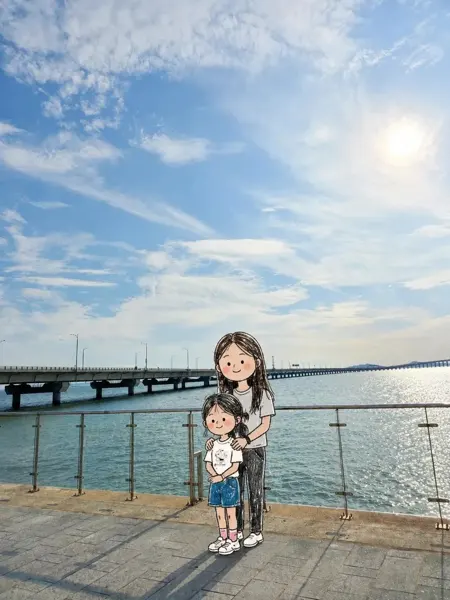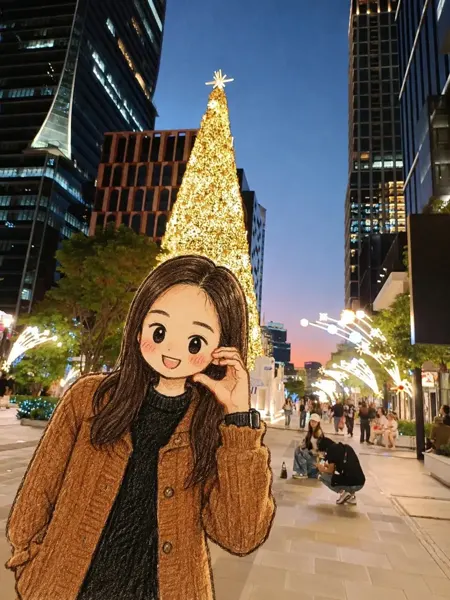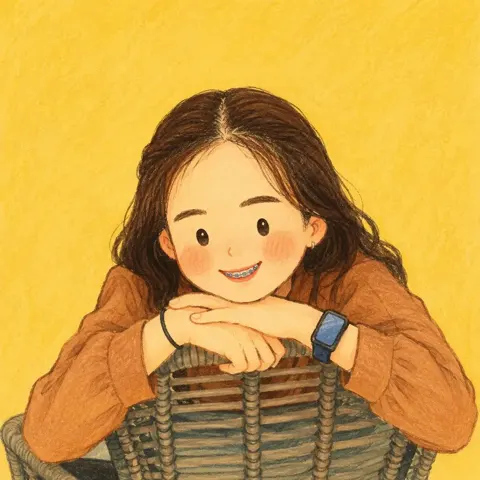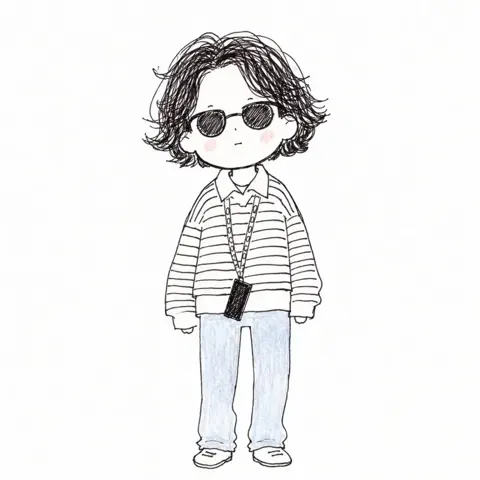
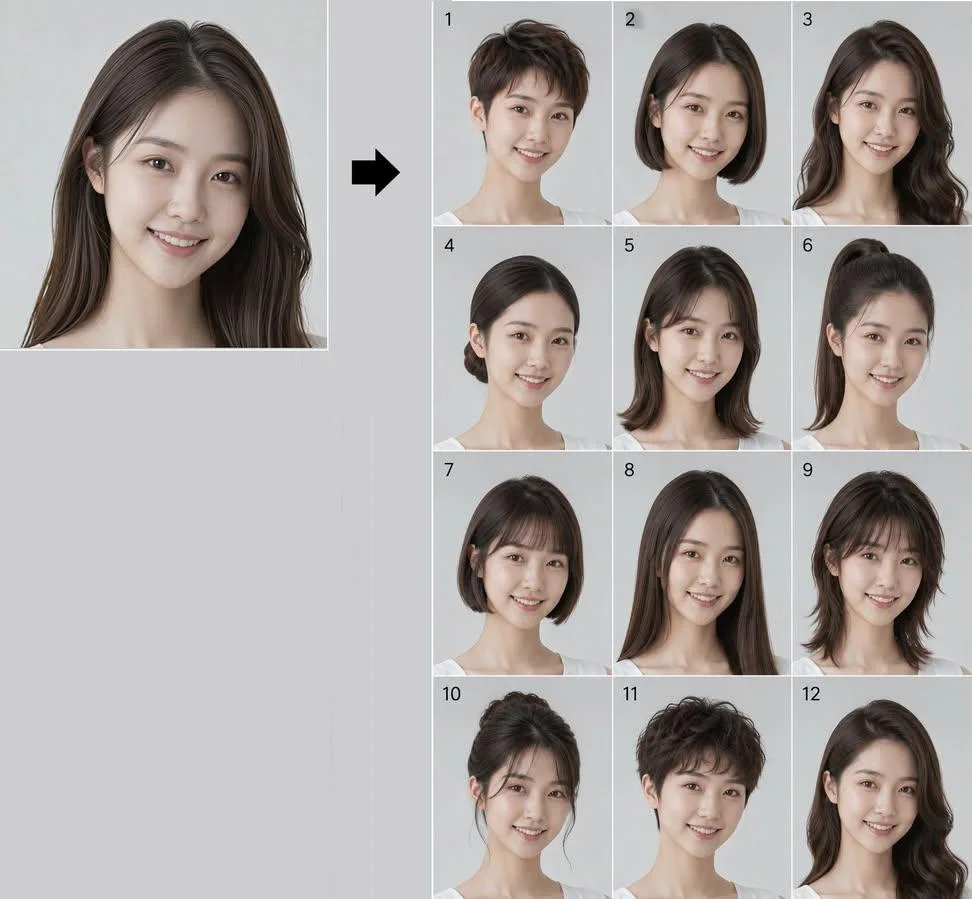
クリックで拡大表示 · 作例の参考イメージ
作例の出典
@Ciri_ai ↗ · 作例 #535
オリジナルの作例内容を保持しています。生成結果はモデルのバージョン、参照画像、パラメータによって左右されます。本サイトでは個別の完全な再現を保証するものではありません。
人物・キャラクター / PROMPT #535
同一人物12種のヘアスタイル Lookbook
画像を確認してからプロンプトをコピーしてください。プレースホルダーがある場合は、下部で内容を書き換えることができます。
01 / カスタマイズ
この作例には自動検出されたプレースホルダーはありません。コピー後、被写体・配色・テキスト・比率などを適宜変更してください。
02 / プロンプト全文 · 原文
Create a 12-panel grid (3 columns × 4 rows, numbered 1 to 12) showing the SAME person from the reference photo with 12 different hairstyles. This is a hairstyle lookbook. Final image aspect ratio: 4:5 (vertical/portrait).
THE ONLY THING THAT CHANGES BETWEEN PANELS IS THE HAIR ON THE HEAD (shape, style and length only). Everything else stays exactly as in the reference photo.
Identity Anchor (Critical)
The face must be IDENTICAL to the reference photo in every single panel. Preserve exactly: facial bone structure, jawline, cheekbones, nose shape, lips, eye shape and spacing, eyebrows, skin tone, skin texture (pores, natural imperfections), and overall facial proportions. This is the same real person in all 12 frames. Do NOT beautify, slim, or alter the face. Same age, same expression as in the reference.
Mandatory Rules (Do Not Violate)
- NO SUNGLASSES. Eyes must be fully visible in all 12 panels.
- NO ENVIRONMENTAL BACKGROUNDS. Every panel must have a plain, uniform, solid light grey studio backdrop with zero objects, zero textures, zero gradients. Just flat neutral grey.
- Hair COLOR stays exactly as it appears in the reference photo in all 12 panels. Only the shape, length and style changes, never the color.
Keep Identical in Every Panel (Do Not Change)
- MAKEUP AND SKIN: If the person in the reference photo wears makeup, replicate it identically in every panel. Same lip color, same eye makeup, same brow grooming. If they wear no makeup, keep all panels makeup-free. Do NOT add, remove, or alter makeup between panels.
- Clothing: the same clothing visible in the reference photo, replicated exactly.
- Accessories: preserve ALL visible accessories from the reference photo (earrings, necklaces, rings, bracelets, piercings, watch, glasses, etc.). Do not omit, resize, recolor, or restyle any accessory. If the person wears prescription glasses (not sunglasses), keep them in every panel.
- Background: plain solid light grey studio backdrop in every panel. No room, no furniture, no environment.
The 12 Hairstyles
1. Pixie cut: very short, textured, slightly tousled on top with tapered sides and nape
2. Classic bob: chin-length, straight, blunt ends, clean middle part
3. Long layered waves: past the shoulders, soft voluminous waves with face-framing layers
4. Sleek low bun: hair pulled back smoothly into a tight low bun at the nape, no flyaways
5. Curtain bangs with medium-length hair: soft parted fringe framing the face, hair falling just past the shoulders
6. High ponytail: hair pulled up into a sleek high ponytail, smooth crown, length falling behind
7. French bob: short bob ending at the jawline with a soft blunt micro-fringe across the forehead
8. Long straight hair with middle part: very long, sleek, pin-straight, falling well past the shoulders
9. Shaggy wolf cut: medium length, heavy layers, choppy fringe, textured and voluminous with a slightly wild look
10. Elegant updo: hair swept up into a polished chignon with soft face-framing tendrils
11. Short curly crop: short voluminous curls all over, natural texture, tapered at the sides
12. Side-swept Hollywood waves: long glamorous deep side part, sculpted vintage waves cascading over one shoulder
Photographic Specs
Shot on a Canon EOS R5 with an 85mm f/1.4 lens, studio portrait lighting (soft key light, subtle fill), shallow depth of field with sharp focus on the face. PLAIN SOLID LIGHT GREY STUDIO BACKGROUND in every panel. Natural skin rendering with visible pores and realistic hair strands (no plastic or CGI look). Consistent lighting, color grading and exposure across all 12 panels. Photorealistic, high detail, hyperrealistic, 8K. No illustration, no painterly effect, no over-smoothing. NO SUNGLASSES.
Each panel clearly numbered 1 to 12 in the top-left corner. Overall output aspect ratio 4:5.
お使いの画像生成ツールに貼り付けてご使用ください。本サイトはプロンプトの閲覧・編集ツールであり、画像の直接生成は行いません。
03 / 生成前のチェック
- プレースホルダーを具体的な内容に置き換え、参照画像が必要か確認します。
- 文字を含む場合はテキストを確定し、生成後に一文字ずつ確認します。
- 被写体、光、構図は一度に一箇所ずつ調整すると、効果を比較しやすくなります。
関連するインスピレーション
人物・キャラクターの他の作例