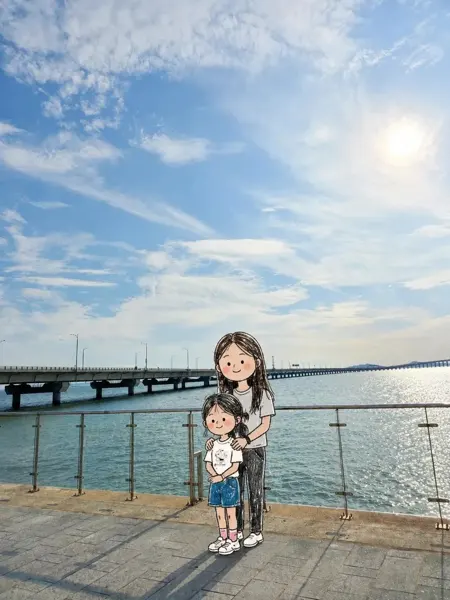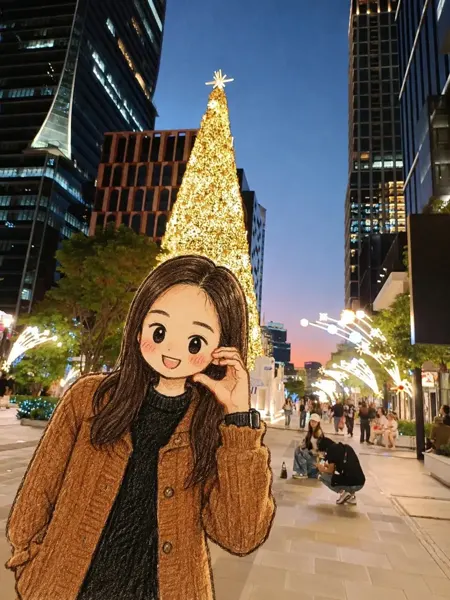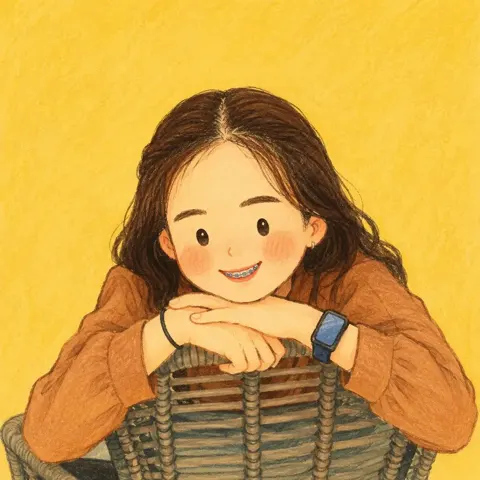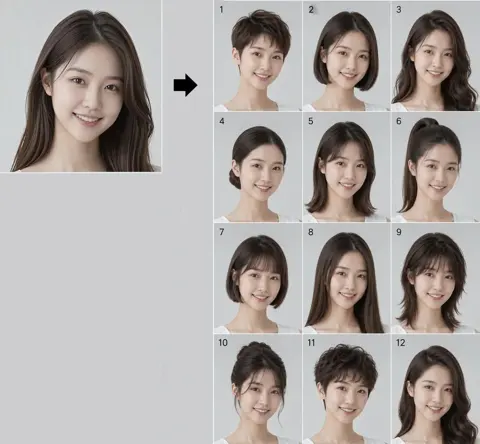
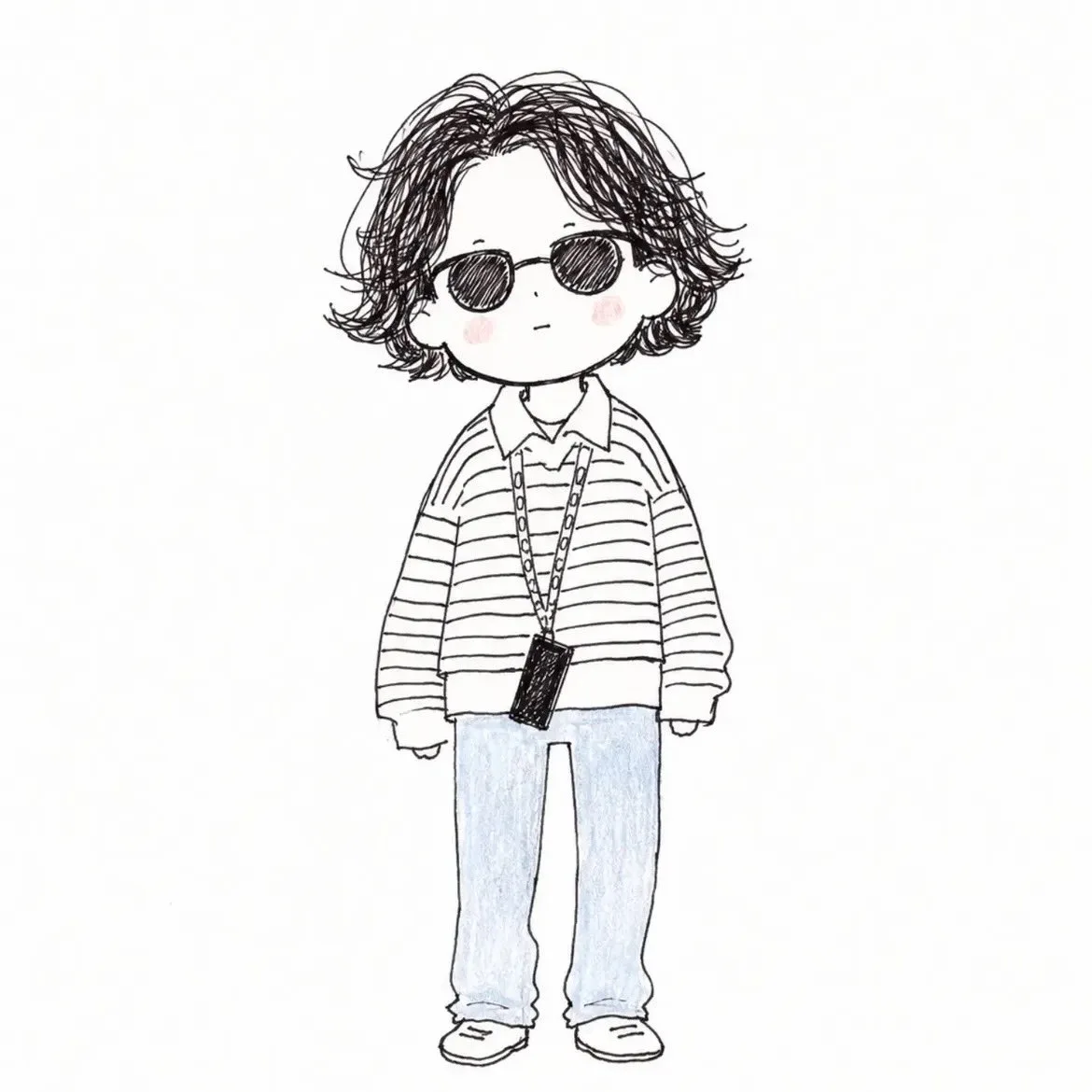
クリックで拡大表示 · 作例の参考イメージ
作例の出典
@Sairah_0 ↗ · 作例 #533
オリジナルの作例内容を保持しています。生成結果はモデルのバージョン、参照画像、パラメータによって左右されます。本サイトでは個別の完全な再現を保証するものではありません。
人物・キャラクター / PROMPT #533
手描き落書きファッションイラスト
画像を確認してからプロンプトをコピーしてください。プレースホルダーがある場合は、下部で内容を書き換えることができます。
01 / カスタマイズ
この作例には自動検出されたプレースホルダーはありません。コピー後、被写体・配色・テキスト・比率などを適宜変更してください。
02 / プロンプト全文 · 原文
Transform the subject from the reference image into a cute, quirky hand-drawn doodle illustration.

Use a minimalist children’s storybook / fashion sketch aesthetic with loose, imperfect black ink lines, visible scribbly pencil strokes, subtle cross-hatching, and a charming handmade feel. Keep the character’s recognizable facial features, hairstyle, face shape, clothing, accessories, and overall identity from the reference while simplifying them into a cute illustrated character.

Character design:
- Oversized head and small simplified body
- Simple dot-like eyes and tiny minimal mouth
- Soft rounded facial features
- Slight rosy pink blush on the cheeks
- Messy, expressive hand-drawn hair with many loose sketch lines
- Slightly exaggerated, playful proportions
- Natural, relaxed pose with a whimsical fashion-illustration feel

Art style:
- Black-and-white pencil/ink doodle drawing
- Rough, imperfect sketch lines rather than clean digital outlines
- Dense scribbled hair and clothing details
- Light hand-colored accents
- Subtle watercolor/crayon-like coloring
- Minimal shading
- White or off-white clean background
- Lots of negative space
- Cute, innocent, playful, cozy aesthetic
- Looks like an original handmade notebook/fashion doodle illustration

Preserve the important details of the reference image while converting everything into this consistent doodle-art style. The final image should feel hand-sketched, slightly imperfect, adorable, expressive, and effortlessly stylish, not like polished vector art or 3D cartoon art.
お使いの画像生成ツールに貼り付けてご使用ください。本サイトはプロンプトの閲覧・編集ツールであり、画像の直接生成は行いません。
03 / 生成前のチェック
- プレースホルダーを具体的な内容に置き換え、参照画像が必要か確認します。
- 文字を含む場合はテキストを確定し、生成後に一文字ずつ確認します。
- 被写体、光、構図は一度に一箇所ずつ調整すると、効果を比較しやすくなります。
関連するインスピレーション
人物・キャラクターの他の作例