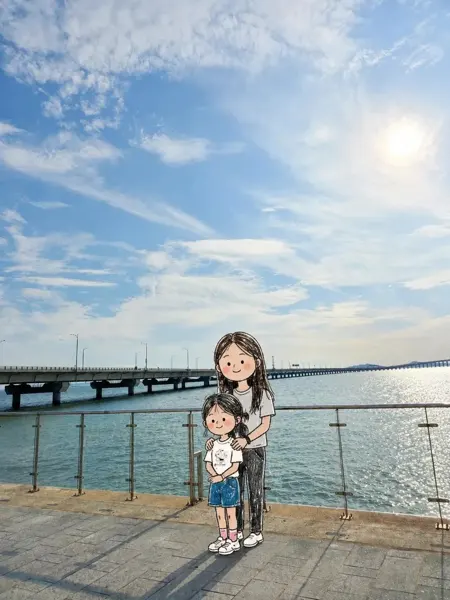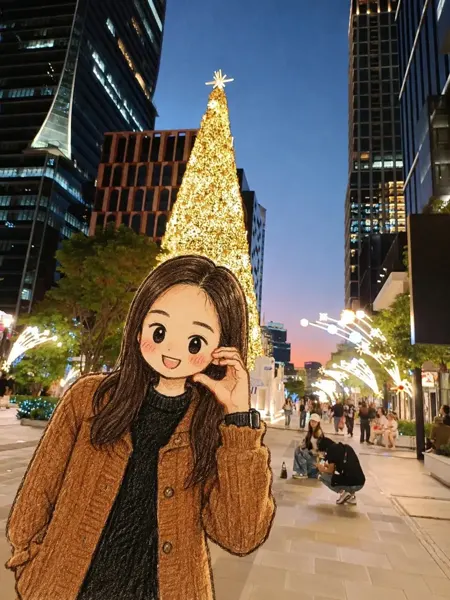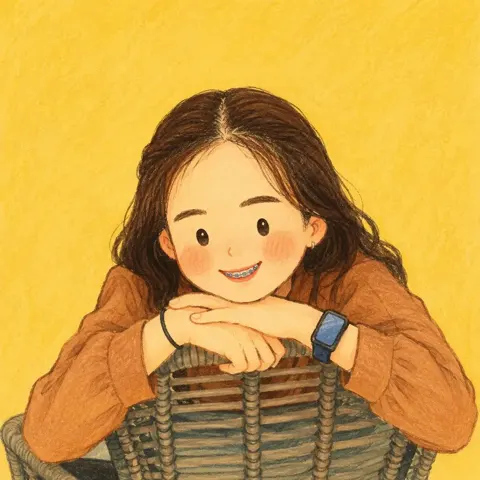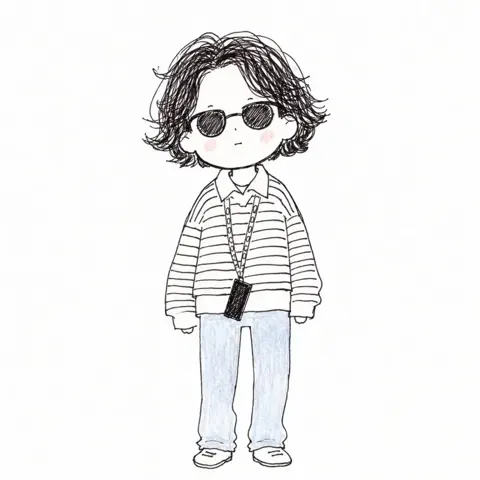
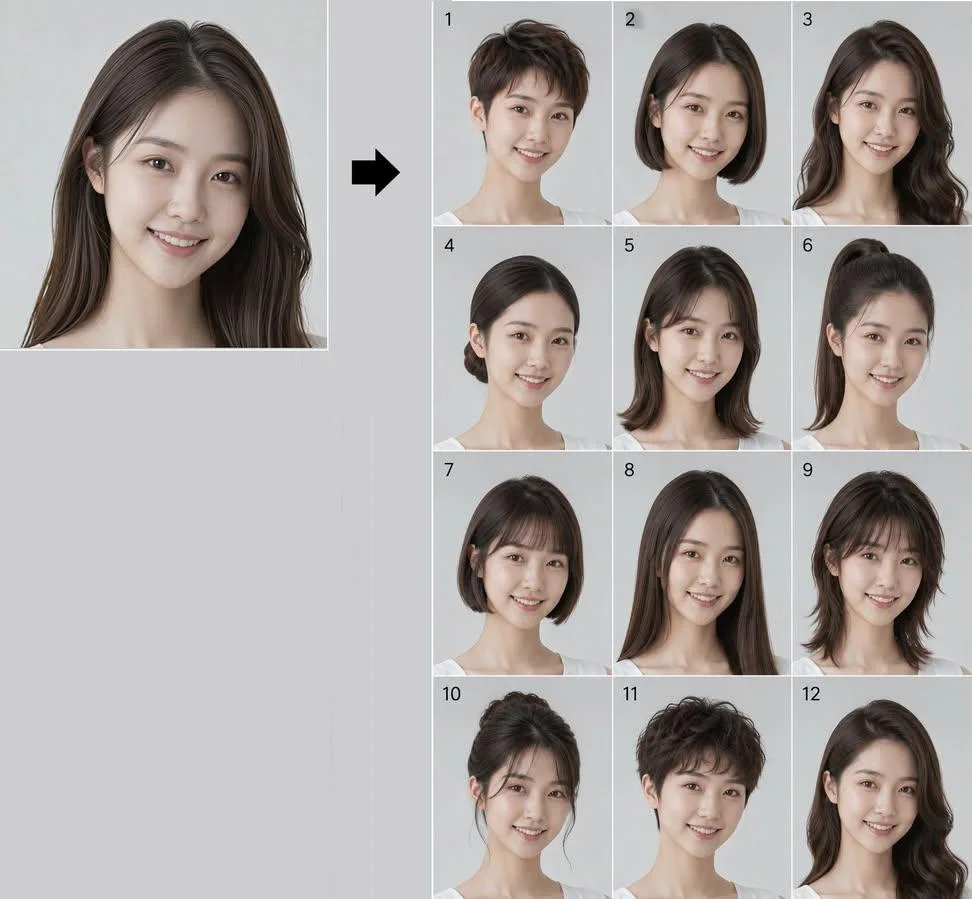
클릭하여 전체 이미지 보기 · 원본 사례 참조용
사례 출처
@Ciri_ai ↗ · 사례 #535
원본 사례 내용을 유지합니다. 생성 결과는 모델 버전, 참조 이미지 및 매개변수에 따라 달라질 수 있으며, 본 사이트에서 개별 검증을 진행하지 않아 동일한 결과의 재현을 보장하지 않습니다.
인물 및 캐릭터 / PROMPT #535
동일 인물 12가지 헤어스타일 Lookbook
먼저 이미지를 확인한 뒤 원본 프롬프트를 복사하세요. 치환 문구가 있는 경우 아래에서 원하는 내용으로 변경할 수 있습니다.
01 / 나만의 버전 설정
이 사례에는 명시적인 치환 문구가 없습니다. 복사 후 피사체, 색상, 텍스트, 비율을 직접 수정해 보세요.
02 / 전체 프롬프트 · 원문
Create a 12-panel grid (3 columns × 4 rows, numbered 1 to 12) showing the SAME person from the reference photo with 12 different hairstyles. This is a hairstyle lookbook. Final image aspect ratio: 4:5 (vertical/portrait).
THE ONLY THING THAT CHANGES BETWEEN PANELS IS THE HAIR ON THE HEAD (shape, style and length only). Everything else stays exactly as in the reference photo.
Identity Anchor (Critical)
The face must be IDENTICAL to the reference photo in every single panel. Preserve exactly: facial bone structure, jawline, cheekbones, nose shape, lips, eye shape and spacing, eyebrows, skin tone, skin texture (pores, natural imperfections), and overall facial proportions. This is the same real person in all 12 frames. Do NOT beautify, slim, or alter the face. Same age, same expression as in the reference.
Mandatory Rules (Do Not Violate)
- NO SUNGLASSES. Eyes must be fully visible in all 12 panels.
- NO ENVIRONMENTAL BACKGROUNDS. Every panel must have a plain, uniform, solid light grey studio backdrop with zero objects, zero textures, zero gradients. Just flat neutral grey.
- Hair COLOR stays exactly as it appears in the reference photo in all 12 panels. Only the shape, length and style changes, never the color.
Keep Identical in Every Panel (Do Not Change)
- MAKEUP AND SKIN: If the person in the reference photo wears makeup, replicate it identically in every panel. Same lip color, same eye makeup, same brow grooming. If they wear no makeup, keep all panels makeup-free. Do NOT add, remove, or alter makeup between panels.
- Clothing: the same clothing visible in the reference photo, replicated exactly.
- Accessories: preserve ALL visible accessories from the reference photo (earrings, necklaces, rings, bracelets, piercings, watch, glasses, etc.). Do not omit, resize, recolor, or restyle any accessory. If the person wears prescription glasses (not sunglasses), keep them in every panel.
- Background: plain solid light grey studio backdrop in every panel. No room, no furniture, no environment.
The 12 Hairstyles
1. Pixie cut: very short, textured, slightly tousled on top with tapered sides and nape
2. Classic bob: chin-length, straight, blunt ends, clean middle part
3. Long layered waves: past the shoulders, soft voluminous waves with face-framing layers
4. Sleek low bun: hair pulled back smoothly into a tight low bun at the nape, no flyaways
5. Curtain bangs with medium-length hair: soft parted fringe framing the face, hair falling just past the shoulders
6. High ponytail: hair pulled up into a sleek high ponytail, smooth crown, length falling behind
7. French bob: short bob ending at the jawline with a soft blunt micro-fringe across the forehead
8. Long straight hair with middle part: very long, sleek, pin-straight, falling well past the shoulders
9. Shaggy wolf cut: medium length, heavy layers, choppy fringe, textured and voluminous with a slightly wild look
10. Elegant updo: hair swept up into a polished chignon with soft face-framing tendrils
11. Short curly crop: short voluminous curls all over, natural texture, tapered at the sides
12. Side-swept Hollywood waves: long glamorous deep side part, sculpted vintage waves cascading over one shoulder
Photographic Specs
Shot on a Canon EOS R5 with an 85mm f/1.4 lens, studio portrait lighting (soft key light, subtle fill), shallow depth of field with sharp focus on the face. PLAIN SOLID LIGHT GREY STUDIO BACKGROUND in every panel. Natural skin rendering with visible pores and realistic hair strands (no plastic or CGI look). Consistent lighting, color grading and exposure across all 12 panels. Photorealistic, high detail, hyperrealistic, 8K. No illustration, no painterly effect, no over-smoothing. NO SUNGLASSES.
Each panel clearly numbered 1 to 12 in the top-left corner. Overall output aspect ratio 4:5.
사용하시는 이미지 생성 도구에 붙여넣어 사용하세요. 본 사이트는 프롬프트 탐색 및 편집 기능만 제공하며 직접 이미지를 생성하지 않습니다.
03 / 생성 전 체크리스트
- 치환 문구를 구체적인 내용으로 바꾸고, 참조 이미지가 필요한지 확인하세요.
- 텍스트가 포함된 경우 원하는 문구를 명확히 지정하고, 생성 후 글자를 꼼꼼히 확인하세요.
- 효과를 쉽게 비교할 수 있도록 피사체, 조명, 구도 중 한 번에 하나씩만 수정하세요.
관련 영감 더 둘러보기
더 많은 인물 및 캐릭터 사례