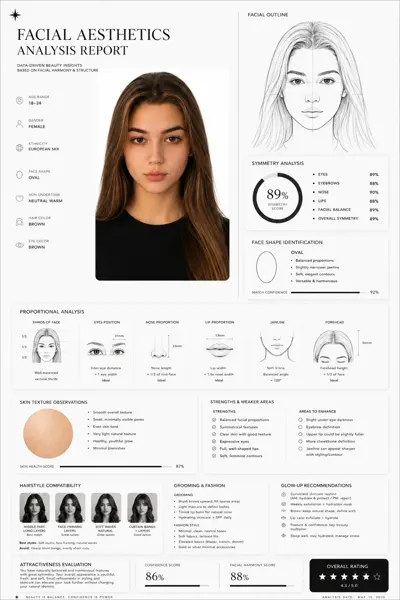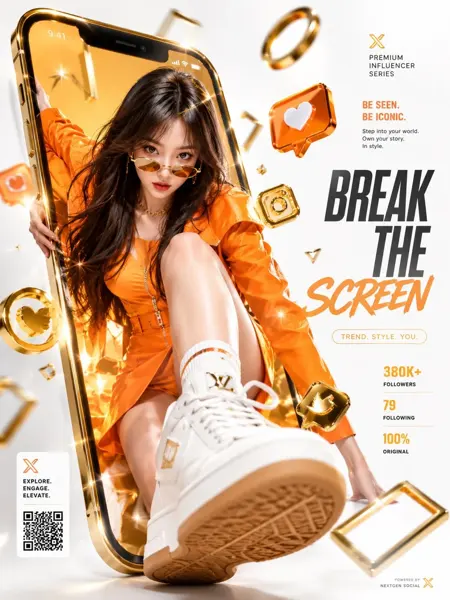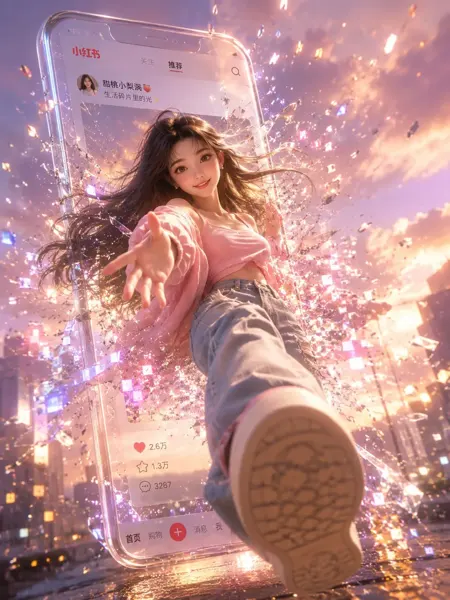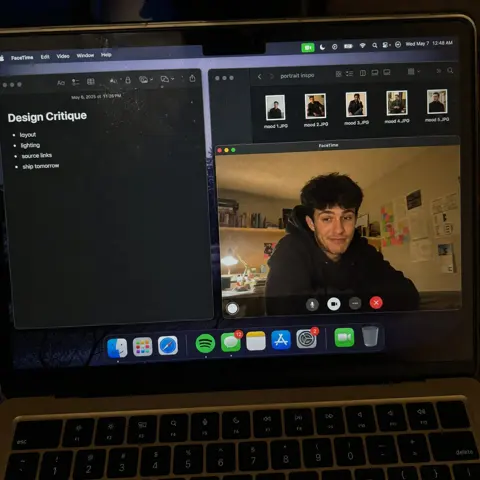
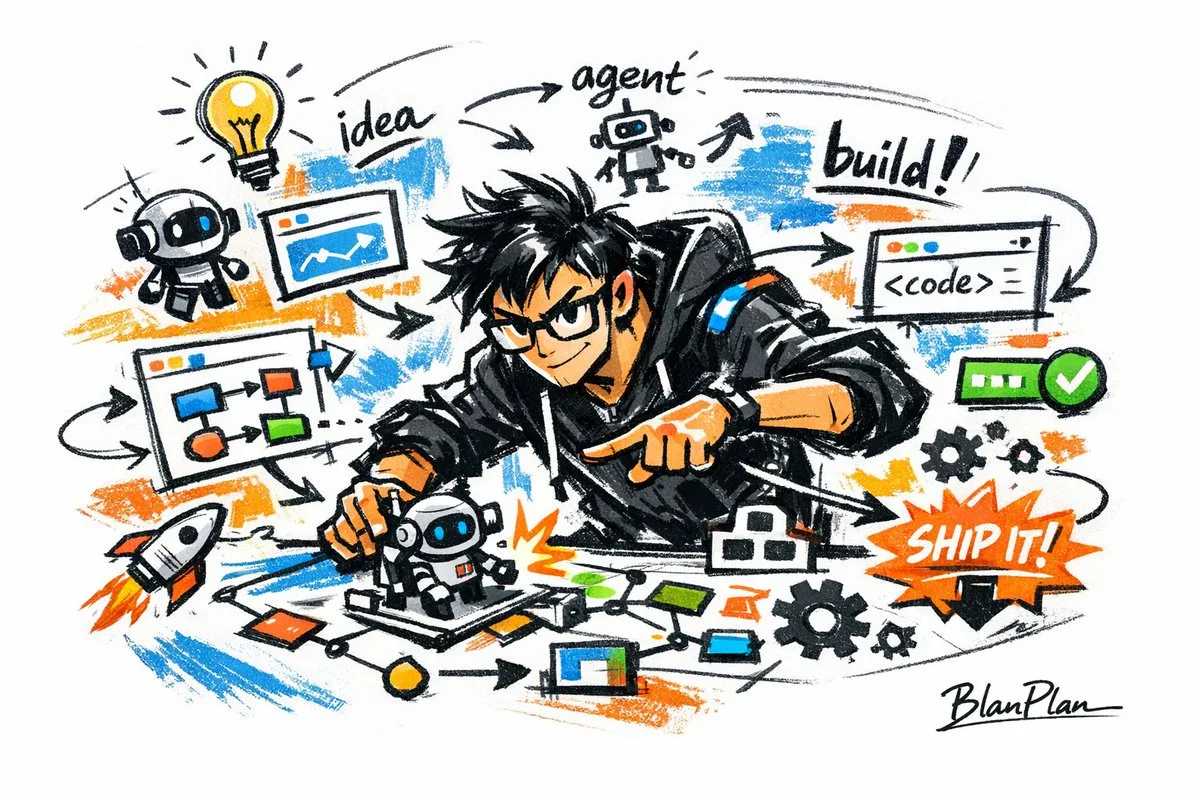
Click to view full image · Reference sample
Source
@blanplan ↗ · Case #42
Original prompt preserved. Results vary depending on model version, reference image, and parameters; identical outputs are not guaranteed.
UI & Interfaces / PROMPT #42
Realistic Photography Style · #42
Review the image, then copy the prompt. If placeholders are present, customize them below.
01 / Customize your version
No placeholders detected. You can freely adjust the subject, color palette, text, and aspect ratio after copying.
02 / Full Prompt · Original
Express {argument name="subject" default="a powerful AI builder"} in a graffiti sketch style, presenting an overall visual effect of quick outlines, free deformation, improvised hand-drawing, and draft-like sketches. The lines are casual, exaggerated, varying in thickness, and slightly messy but rhythmic and expressive, emphasizing generalization, exaggeration, fun, and spontaneity rather than rigorous realism or fine detail. The colors are expressed in rough blocks with a distinct dry-brush feel, retaining uneven smears, brush marks, fly-white, and layering. Colors automatically adapt to the {argument name="theme" default="powerful AI builder"}, but the overall expression remains graffiti-like, sketch-like, and generalized. No transparent watercolor smudging effects, no delicate watercolor transitions, no paper textures, no soft atomization, and no dreamy textures. The background is mainly white space, maintaining a sense of simplicity, ease, unfinishedness, and design. Small amounts of auxiliary symbols, arrows, marks, circles, repeated lines, handwritten text, or other graffiti elements can be added to enhance the sketchbook or essay-like visual language, but they should not be too crowded or destroy the subject and the white space atmosphere. The content of the picture does not need to be written in advance; {argument name="character image" default="a powerful AI builder"} will automatically deduce and generate the most suitable main image, actions, related elements, symbols, or simplified scenes. The overall style remains a unified graffiti sketch style and an exaggerated, generalized expression, avoiding complex realistic backgrounds and excessive detail. A special signature 'BlanPlan' should be naturally added as part of the picture, in a low-key but clear position such as the bottom left, bottom right, or near the title. The style should be unified with the overall layout, like an artist's signature or a design mark; the signature font should be exquisite, restrained, and high-end, not too large, and should not destroy the main composition or appear abrupt or cheap.Copy into your preferred AI image generator. Prompt Atelier provides prompt browsing and editing, but does not generate images directly.
03 / Pre-generation checklist
- Replace placeholders with specific details, and check whether reference images are needed.
- Specify exact wording for text elements, and proofread carefully after generation.
- Adjust only one element at a time—subject, lighting, or composition—to compare results easily.
Explore related inspiration
More in UI & Interfaces