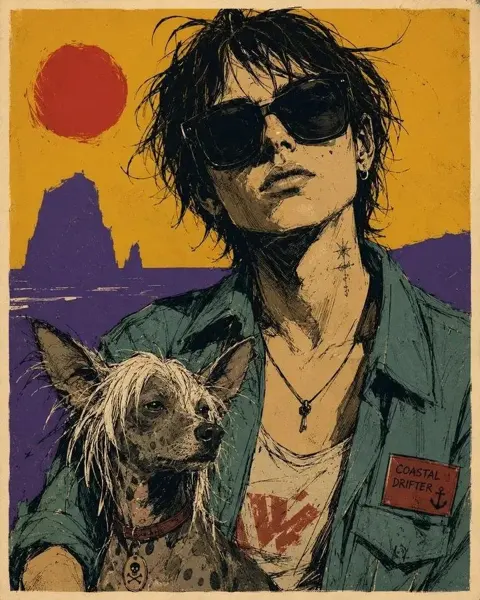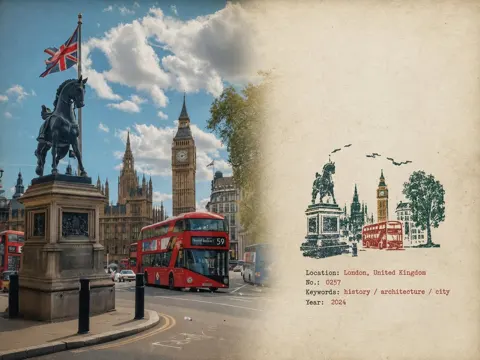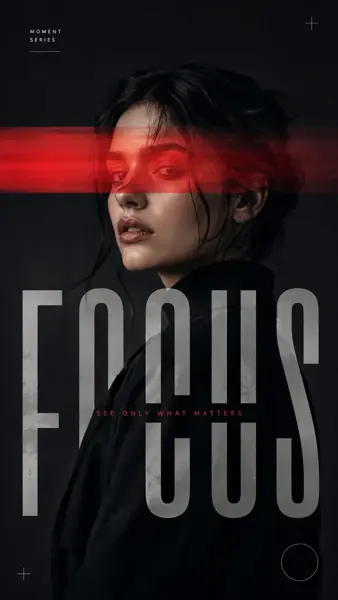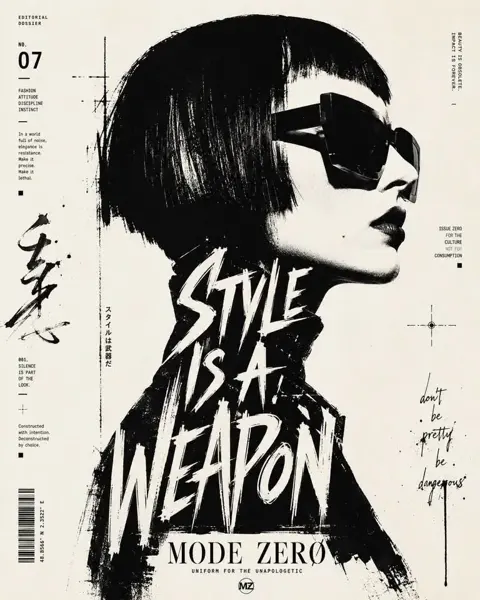
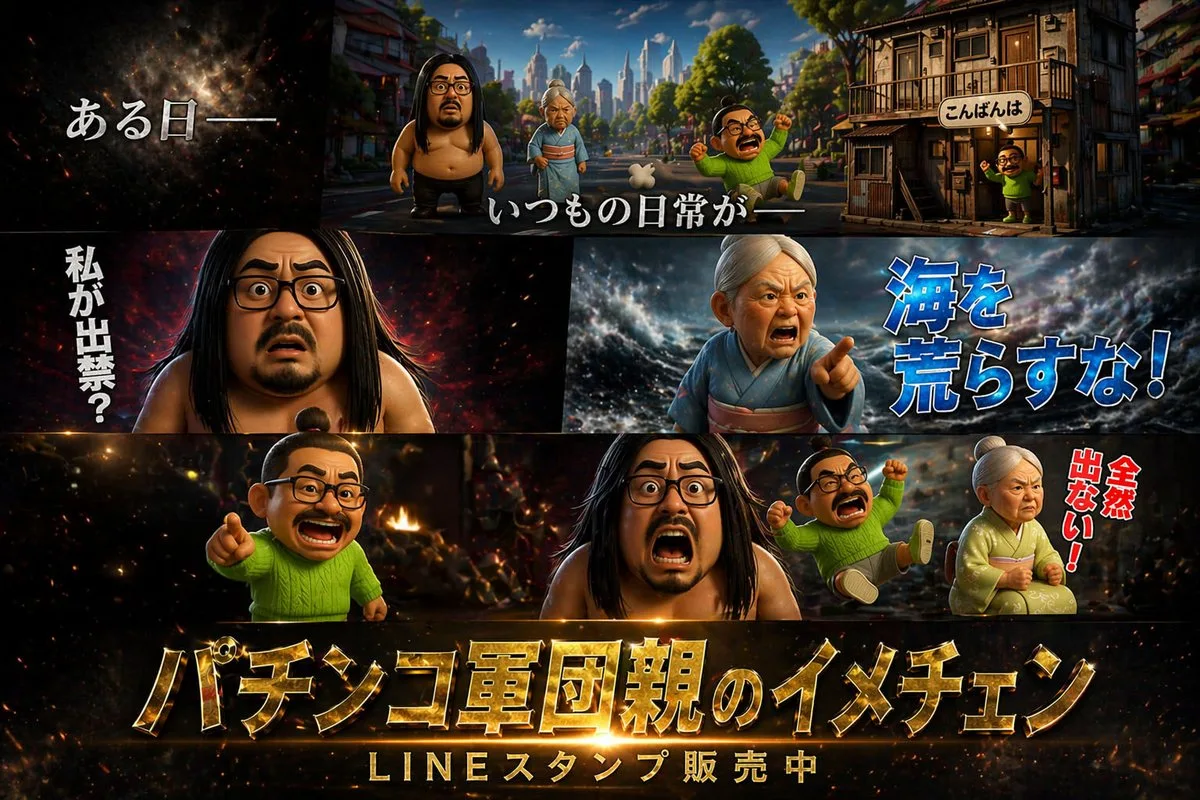
클릭하여 전체 이미지 보기 · 원본 사례 참조용
사례 출처
@X64zzotSKCGtYmt ↗ · 사례 #59
원본 사례 내용을 유지합니다. 생성 결과는 모델 버전, 참조 이미지 및 매개변수에 따라 달라질 수 있으며, 본 사이트에서 개별 검증을 진행하지 않아 동일한 결과의 재현을 보장하지 않습니다.
포스터 및 타이포그래피 / PROMPT #59
테마 포스터 레이아웃 디자인 · #59
먼저 이미지를 확인한 뒤 원본 프롬프트를 복사하세요. 치환 문구가 있는 경우 아래에서 원하는 내용으로 변경할 수 있습니다.
01 / 나만의 버전 설정
02 / 전체 프롬프트 · 원문
{
  "type": "cinematic promotional poster",
  "style": "3D CGI animation style, highly detailed, dramatic lighting, caricature characters",
  "characters": [
    { "id": "char1", "description": "large shirtless man with long black hair, beard, and glasses" },
    { "id": "char2", "description": "elderly woman in a kimono with white hair tied up" },
    { "id": "char3", "description": "small man with a topknot, glasses, mustache, wearing a bright green sweater" }
  ],
  "layout": {
    "panels": [
      {
        "position": "top",
        "scene": "wide shot of a town street with buildings and a city skyline in the background",
        "characters_present": ["char1", "char2", "char3"],
        "text_overlays": [
          "{argument name=\"intro text\" default=\"ある日ーー\"}",
          "いつもの日常がーー",
          "こんばんは"
        ]
      },
      {
        "position": "middle left",
        "scene": "close-up of char1 looking shocked against a dark fiery background",
        "text_overlays": [
          "{argument name=\"shocked text\" default=\"私が出禁?\"}"
        ]
      },
      {
        "position": "middle right",
        "scene": "close-up of char2 looking angry and pointing against a stormy sea background",
        "text_overlays": [
          "{argument name=\"angry text\" default=\"海を荒らすな!\"}"
        ]
      },
      {
        "position": "bottom",
        "scene": "char3 pointing, char1 screaming, a second instance of char3 falling backwards, and char2 sitting angrily against a fiery chaotic background",
        "text_overlays": [
          "全然出ない!"
        ],
        "bottom_titles": [
          "{argument name=\"main title\" default=\"パチンコ軍団親のイメチェン\"}",
          "{argument name=\"subtitle\" default=\"LINEスタンプ販売中\"}"
        ]
      }
    ]
  }
}사용하시는 이미지 생성 도구에 붙여넣어 사용하세요. 본 사이트는 프롬프트 탐색 및 편집 기능만 제공하며 직접 이미지를 생성하지 않습니다.
03 / 생성 전 체크리스트
- 치환 문구를 구체적인 내용으로 바꾸고, 참조 이미지가 필요한지 확인하세요.
- 텍스트가 포함된 경우 원하는 문구를 명확히 지정하고, 생성 후 글자를 꼼꼼히 확인하세요.
- 효과를 쉽게 비교할 수 있도록 피사체, 조명, 구도 중 한 번에 하나씩만 수정하세요.
관련 영감 더 둘러보기
더 많은 포스터 및 타이포그래피 사례