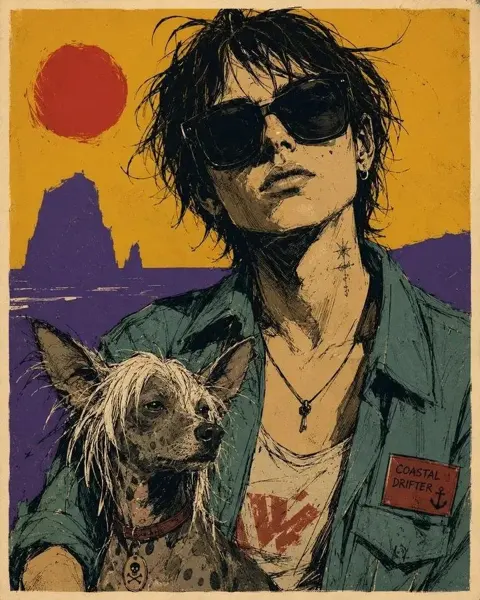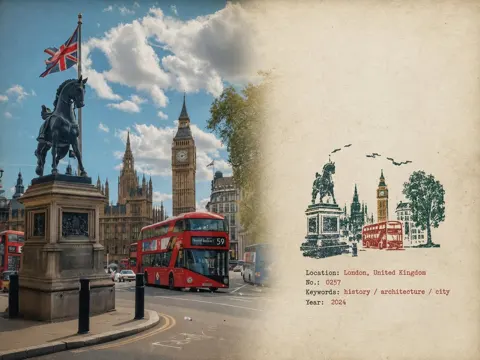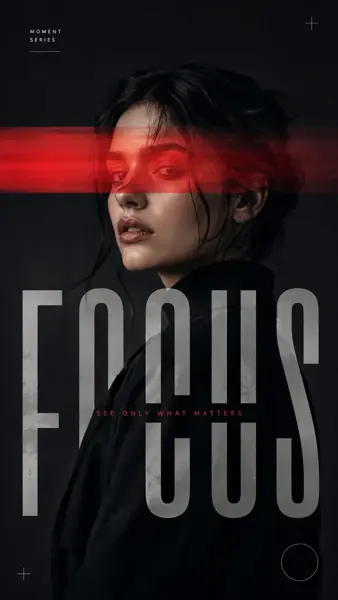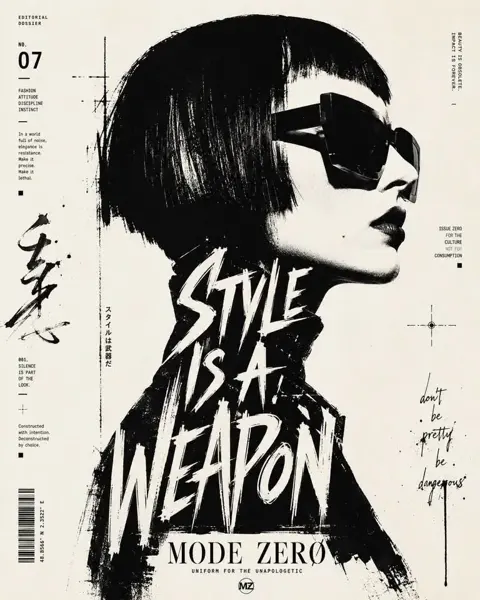
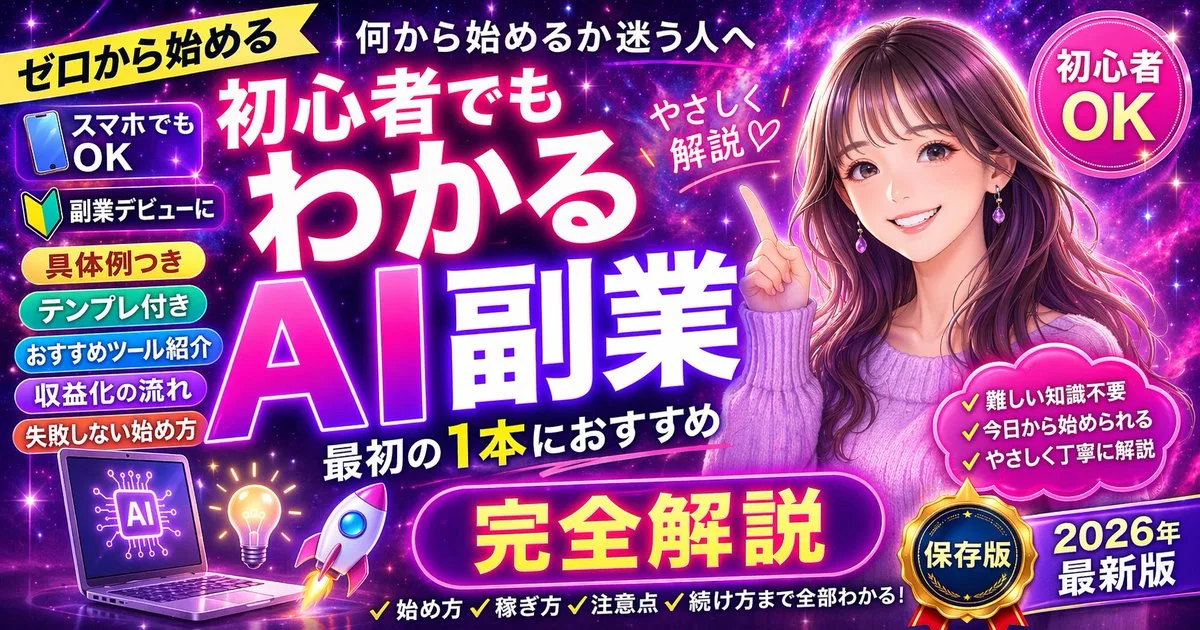
클릭하여 전체 이미지 보기 · 원본 사례 참조용
사례 출처
@naga_zyashin ↗ · 사례 #100
원본 사례 내용을 유지합니다. 생성 결과는 모델 버전, 참조 이미지 및 매개변수에 따라 달라질 수 있으며, 본 사이트에서 개별 검증을 진행하지 않아 동일한 결과의 재현을 보장하지 않습니다.
포스터 및 타이포그래피 / PROMPT #100
테마 포스터 레이아웃 디자인 · #100
먼저 이미지를 확인한 뒤 원본 프롬프트를 복사하세요. 치환 문구가 있는 경우 아래에서 원하는 내용으로 변경할 수 있습니다.
01 / 나만의 버전 설정
이 사례에는 명시적인 치환 문구가 없습니다. 복사 후 피사체, 색상, 텍스트, 비율을 직접 수정해 보세요.
02 / 전체 프롬프트 · 원문
{
  "type": "promotional banner thumbnail",
  "style": "vibrant neon, cosmic galaxy background, anime illustration style, high-density Japanese typography, glowing text effects",
  "character": {
    "description": "smiling young woman pointing upwards with right index finger",
    "appearance": "long {argument name=\"character hair color\" default=\"brown\"} hair, purple drop earrings, textured purple sweater",
    "position": "right side"
  },
  "layout": {
    "background": "purple, pink, and blue starry space nebula",
    "center_typography": {
      "top_small_text": "何から始めるか迷う人へ",
      "main_title": "{argument name=\"main title\" default=\"初心者でもわかる AI副業\"}",
      "subtitle": "最初の1本におすすめ",
      "floating_text_near_character": "やさしく解説♡"
    },
    "top_left": {
      "yellow_ribbon": "{argument name=\"top left ribbon text\" default=\"ゼロから始める\"}"
    },
    "top_right": {
      "pink_circle_badge": "初心者 OK"
    },
    "left_column": {
      "count": 7,
      "description": "stack of pill-shaped badges",
      "labels": [
        "スマホでもOK (with phone icon)",
        "副業デビューに (with beginner mark icon)",
        "具体例つき",
        "テンプレ付き",
        "おすすめツール紹介",
        "収益化の流れ",
        "失敗しない始め方"
      ]
    },
    "bottom_left_graphics": {
      "count": 3,
      "items": [
        "laptop displaying an AI circuit brain graphic",
        "glowing lightbulb",
        "rocket ship taking off"
      ]
    },
    "bottom_center": {
      "large_purple_button": "{argument name=\"bottom center button text\" default=\"完全解説\"}",
      "checklist_text_below": "✓始め方 ✓稼ぎ方 ✓注意点 ✓続け方まで全部わかる!"
    },
    "bottom_right": {
      "pink_cloud_shape": {
        "count": 3,
        "bullet_points": [
          "✓難しい知識不要",
          "✓今日から始められる",
          "✓やさしく丁寧に解説"
        ]
      },
      "gold_medal_seal": "保存版",
      "purple_badge": "{argument name=\"year badge text\" default=\"2026年 最新版\"}"
    }
  }
}사용하시는 이미지 생성 도구에 붙여넣어 사용하세요. 본 사이트는 프롬프트 탐색 및 편집 기능만 제공하며 직접 이미지를 생성하지 않습니다.
03 / 생성 전 체크리스트
- 치환 문구를 구체적인 내용으로 바꾸고, 참조 이미지가 필요한지 확인하세요.
- 텍스트가 포함된 경우 원하는 문구를 명확히 지정하고, 생성 후 글자를 꼼꼼히 확인하세요.
- 효과를 쉽게 비교할 수 있도록 피사체, 조명, 구도 중 한 번에 하나씩만 수정하세요.
관련 영감 더 둘러보기
더 많은 포스터 및 타이포그래피 사례