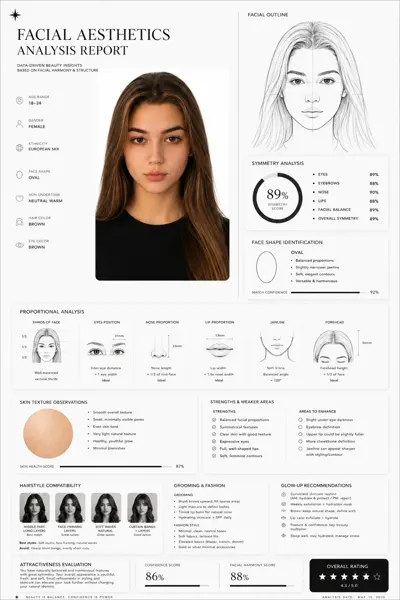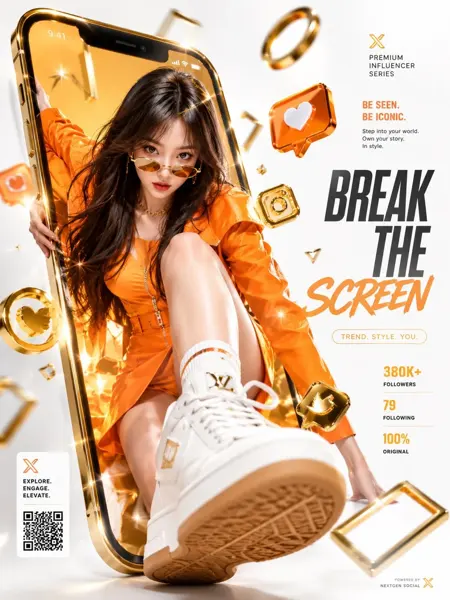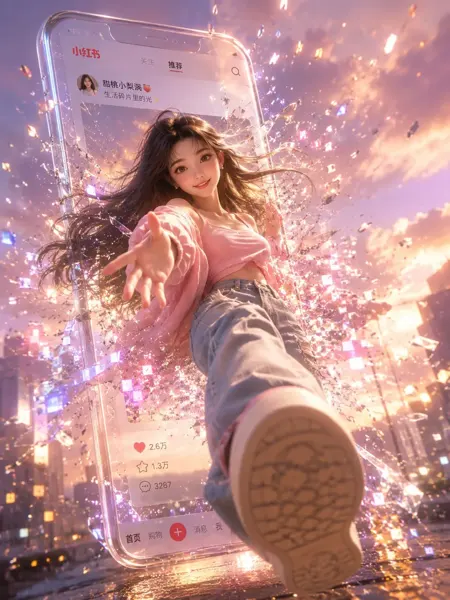
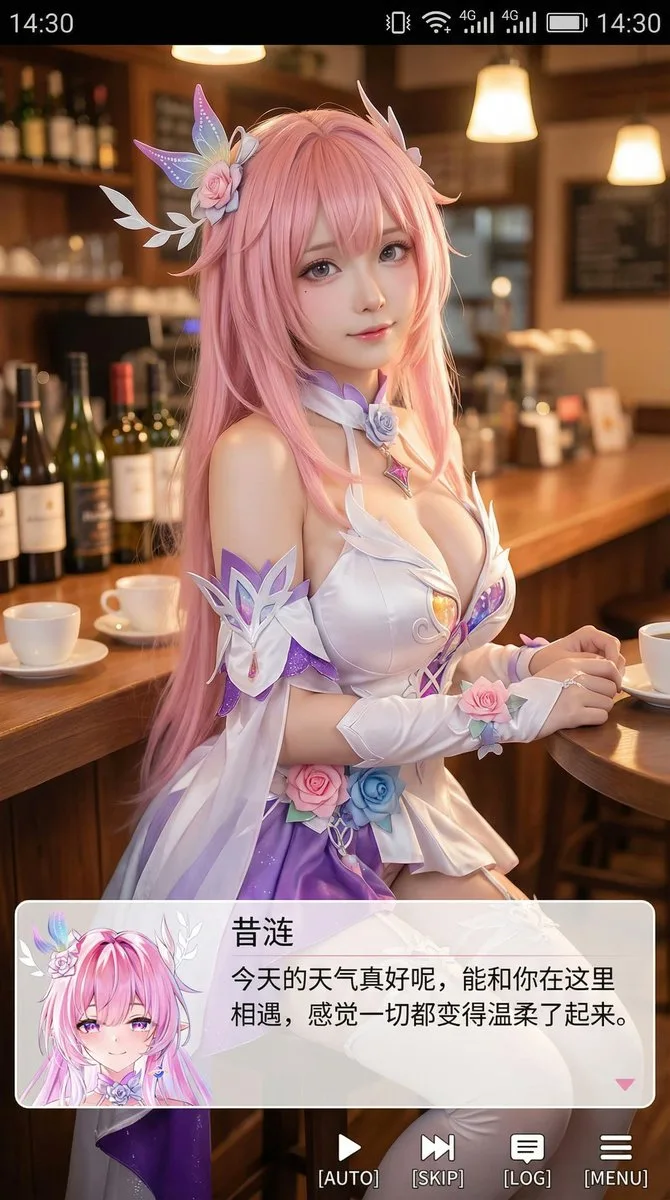
クリックで拡大表示 · 作例の参考イメージ
作例の出典
@Zoulinshen ↗ · 作例 #282
オリジナルの作例内容を保持しています。生成結果はモデルのバージョン、参照画像、パラメータによって左右されます。本サイトでは個別の完全な再現を保証するものではありません。
UI・インターフェース / PROMPT #282
心温まる癒やし系アニメのスマホスクショ
画像を確認してからプロンプトをコピーしてください。プレースホルダーがある場合は、下部で内容を書き換えることができます。
01 / カスタマイズ
02 / プロンプト全文 · 原文
[中文]
生成一张竖版手机截图风格的图片,整体比例接近 9:16。画面中心偏上是一位真人 coser,扮演(角色名称)的二次元角色。人物为写实风格,但五官略带动漫感,皮肤细腻,眼睛稍大,表情温柔地看向镜头,坐在室内的休闲场景中,例如咖啡厅或酒吧吧台前,背景有符合场景的道具。画面最上方加入手机系统状态栏 UI,包括时间、电量、信号、网络等图标,让整张图看起来像手机截图。画面底部叠加一块宽大的半透明 galgame 风格对话框,对话框左侧放一个与画面人物对应的动漫或 Q 版头像;对话框右侧排版文字:第一行用较大字体显示与前面相同的角色名字,下面一到两行显示一段适合这个角色人设的、温柔治愈风格的简体中文台词,由你自动创作。再在对话框下方加一条操作栏,仿照 galgame UI。整体风格高清、细节丰富、光线柔和、二次元与真人写真自然融合。

[English]
Generate a portrait mobile phone screenshot style image, with an overall aspect ratio close to 9:16. In the upper center of the frame is a real-life coser, playing a 2D anime character named (Character Name). The character is in a realistic style, but with facial features slightly showing an anime feel, delicate skin, slightly larger eyes, a gentle expression looking at the camera, sitting in an indoor casual scene, such as in front of a cafe or bar counter, with background props fitting the scene. At the very top of the image, add a mobile phone system status bar UI, including icons for time, battery, signal, and network, to make the whole image look like a mobile phone screenshot. At the bottom of the image, overlay a wide semi-transparent galgame style dialog box, place an anime or Q-version avatar corresponding to the character in the image on the left side of the dialog box; on the right side of the dialog box, typeset text: the first line displays the same character name as before in a larger font, the following one to two lines display a piece of Simplified Chinese dialogue suitable for this character's personality, in a gentle and healing style, automatically created by you. Then add an operation bar below the dialog box, imitating the galgame UI. The overall style is high-definition, rich in details, with soft lighting, and a natural fusion of 2D anime and real-life photography.
お使いの画像生成ツールに貼り付けてご使用ください。本サイトはプロンプトの閲覧・編集ツールであり、画像の直接生成は行いません。
03 / 生成前のチェック
- プレースホルダーを具体的な内容に置き換え、参照画像が必要か確認します。
- 文字を含む場合はテキストを確定し、生成後に一文字ずつ確認します。
- 被写体、光、構図は一度に一箇所ずつ調整すると、効果を比較しやすくなります。
関連するインスピレーション
UI・インターフェースの他の作例