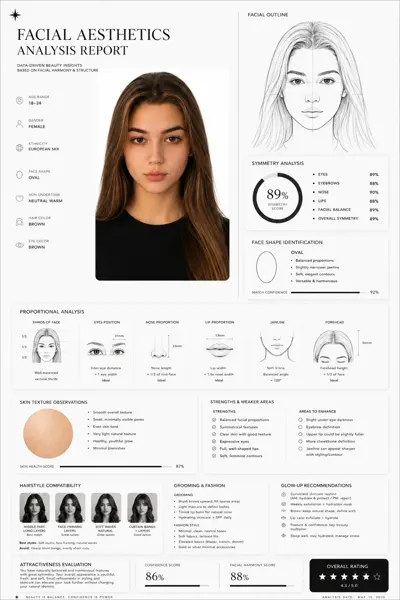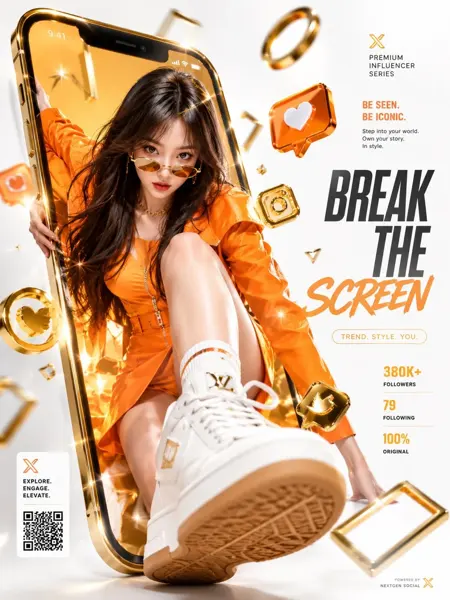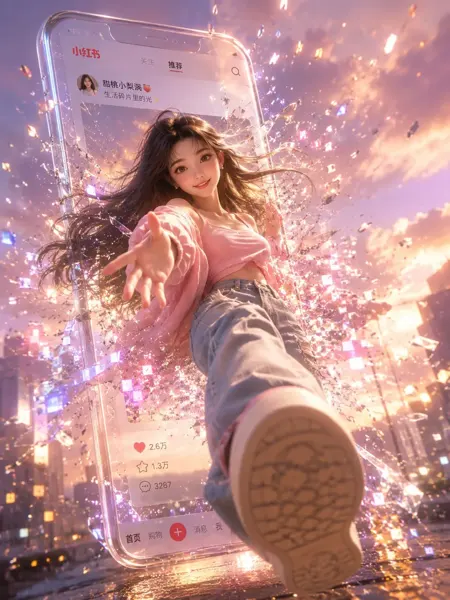
Click to view full image · Reference sample
Source
@liyue_ai ↗ · Case #57
Original prompt preserved. Results vary depending on model version, reference image, and parameters; identical outputs are not guaranteed.
UI & Interfaces / PROMPT #57
UI Interaction Design · #57
Review the image, then copy the prompt. If placeholders are present, customize them below.
01 / Customize your version
02 / Full Prompt · Original
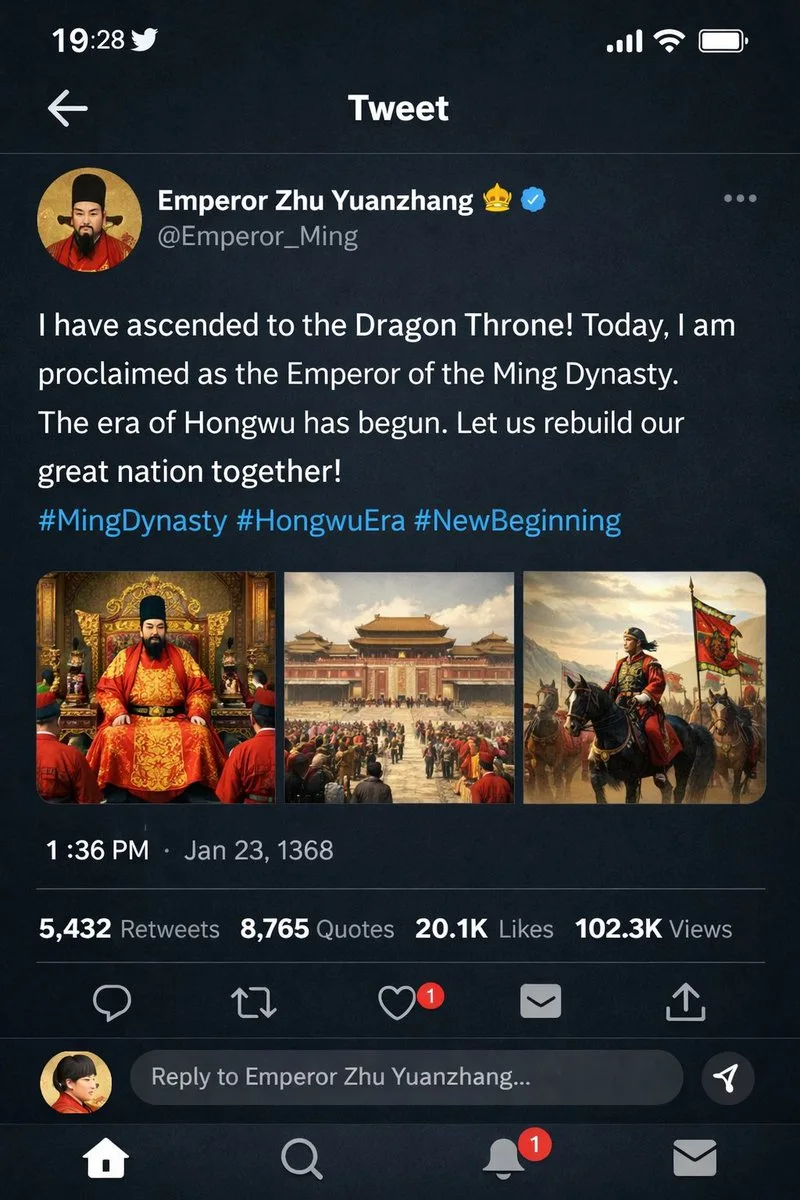
{
  "type": "mobile social media app UI mockup",
  "platform": "Twitter/X dark mode",
  "header": {
    "status_bar": "time 19:28, bird icon, signal, wifi, battery",
    "navigation": "back arrow, 'Tweet' title"
  },
  "post": {
    "author": {
      "avatar": "portrait of a Chinese emperor in red robes and black hat",
      "display_name": "{argument name=\"display name\" default=\"Emperor Zhu Yuanzhang\"} 👑 [verified badge]",
      "handle": "{argument name=\"handle\" default=\"@Emperor_Ming\"}"
    },
    "content": {
      "text": "{argument name=\"tweet text\" default=\"I have ascended to the Dragon Throne! Today, I am proclaimed as the Emperor of the Ming Dynasty. The era of Hongwu has begun. Let us rebuild our great nation together!\"}",
      "hashtags": "#MingDynasty #HongwuEra #NewBeginning",
      "media_grid": {
        "count": 3,
        "images": [
          "emperor seated on an ornate golden throne in red and gold robes",
          "wide shot of a grand Chinese palace courtyard with a large crowd",
          "emperor on horseback leading an army with a red dragon banner"
        ]
      }
    },
    "metadata": {
      "timestamp": "{argument name=\"timestamp\" default=\"1:36 PM · Jan 23, 1368\"}",
      "engagement": "5,432 Retweets, 8,765 Quotes, 20.1K Likes, 102.3K Views"
    },
    "actions": "reply, retweet, like (red heart with '1'), share, upload"
  },
  "footer": {
    "reply_bar": {
      "avatar": "woman in red",
      "placeholder": "Reply to Emperor Zhu Yuanzhang..."
    },
    "navigation_bar": "home, search, notifications (red '1' badge), messages"
  }
}
Copy into your preferred AI image generator. Prompt Atelier provides prompt browsing and editing, but does not generate images directly.
03 / Pre-generation checklist
- Replace placeholders with specific details, and check whether reference images are needed.
- Specify exact wording for text elements, and proofread carefully after generation.
- Adjust only one element at a time—subject, lighting, or composition—to compare results easily.
Explore related inspiration
More in UI & Interfaces