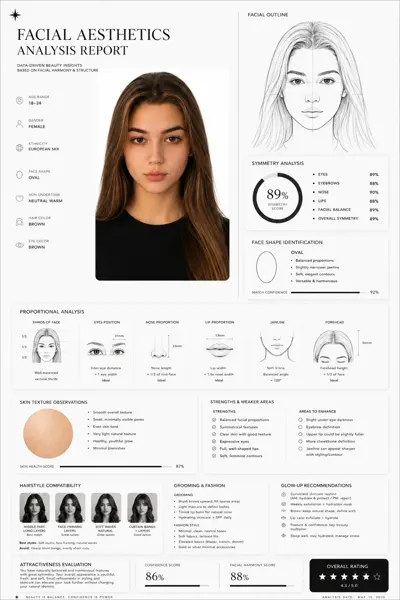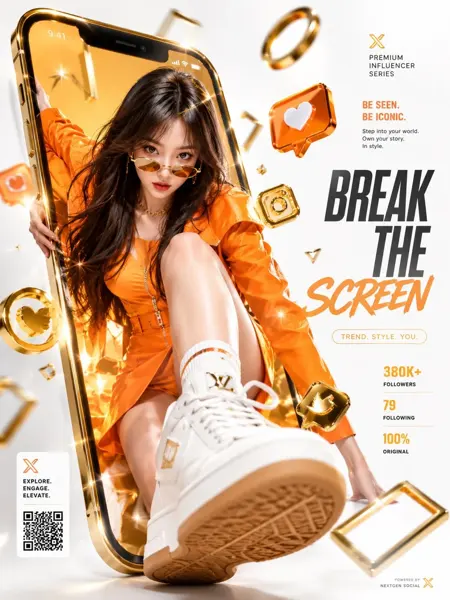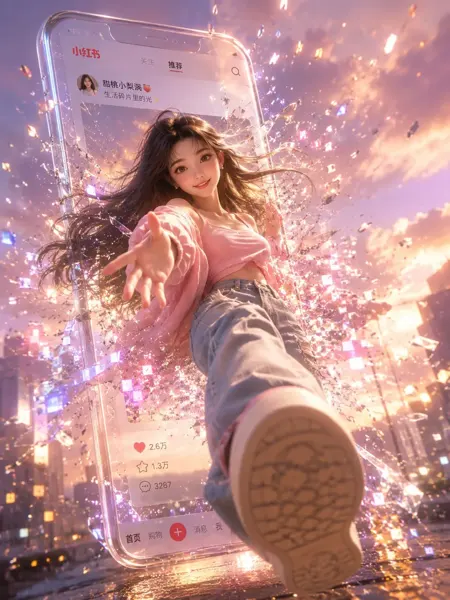
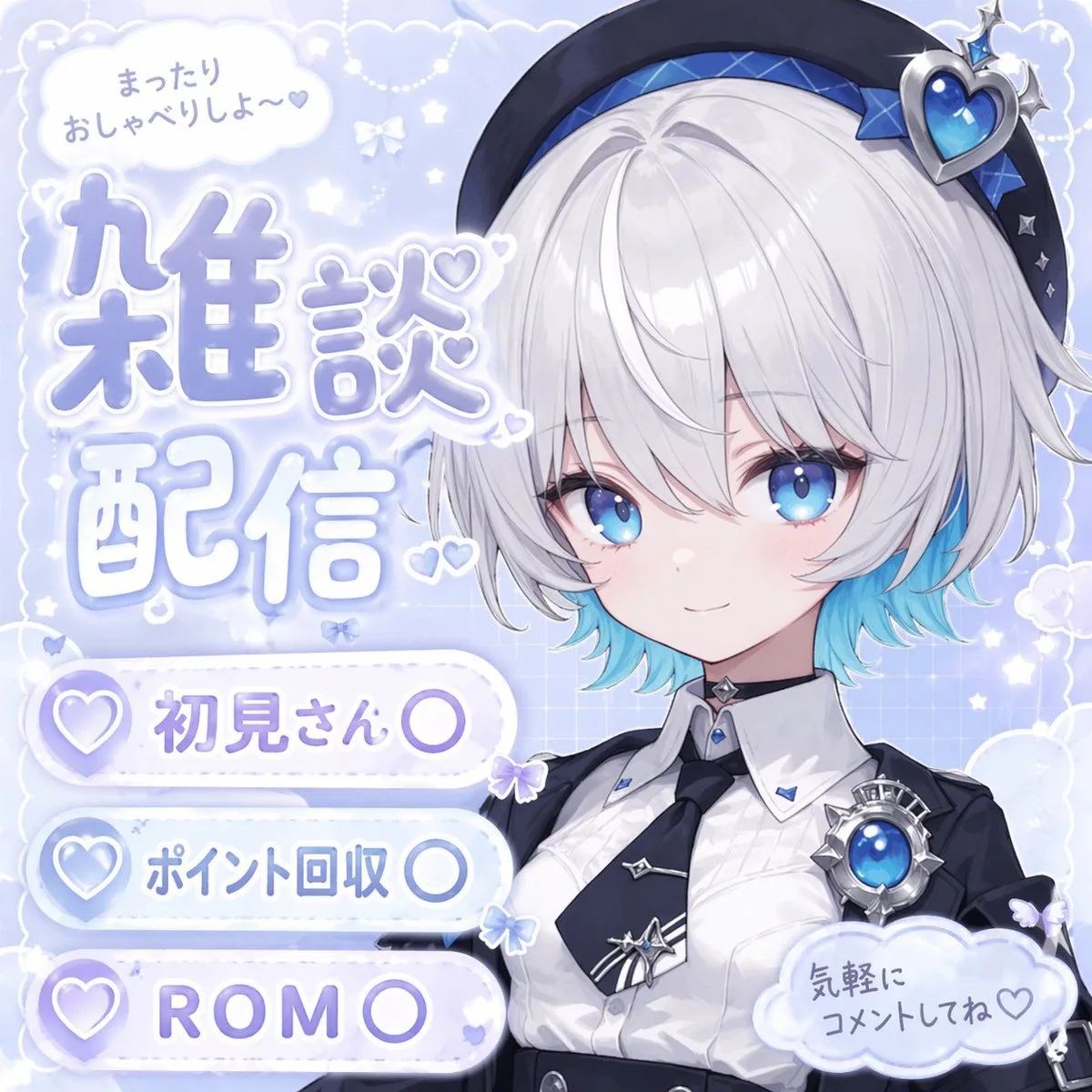
클릭하여 전체 이미지 보기 · 원본 사례 참조용
사례 출처
@sayaka_aiart ↗ · 사례 #95
원본 사례 내용을 유지합니다. 생성 결과는 모델 버전, 참조 이미지 및 매개변수에 따라 달라질 수 있으며, 본 사이트에서 개별 검증을 진행하지 않아 동일한 결과의 재현을 보장하지 않습니다.
UI 및 인터페이스 / PROMPT #95
브랜드 비주얼 아이덴티티 · #95
먼저 이미지를 확인한 뒤 원본 프롬프트를 복사하세요. 치환 문구가 있는 경우 아래에서 원하는 내용으로 변경할 수 있습니다.
01 / 나만의 버전 설정
이 사례에는 명시적인 치환 문구가 없습니다. 복사 후 피사체, 색상, 텍스트, 비율을 직접 수정해 보세요.
02 / 전체 프롬프트 · 원문
{
  "type": "anime-style livestream thumbnail",
  "character": {
    "hair": "{argument name=\"hair color\" default=\"short silver hair with cyan underlights\"}",
    "eyes": "large bright blue",
    "outfit": "white collared shirt, black tie with silver accents, black jacket, black beret with a large blue heart jewel, blue jewel brooch, black choker",
    "pose": "smiling gently, looking at viewer, positioned on the right side"
  },
  "background": "pastel blue with white clouds, sparkles, stars, small bows, and a subtle grid pattern",
  "typography_and_ui": {
    "top_left_speech_bubble": "まったりおしゃべりしよ〜♡",
    "main_title": {
      "text": "{argument name=\"main title\" default=\"雑談配信\"}",
      "style": "large, soft blue gradient, white outline, decorated with small hearts, positioned on the middle-left"
    },
    "bottom_left_badges": {
      "count": 3,
      "style": "white pill-shaped buttons with a purple heart icon on the left",
      "labels": [
        "{argument name=\"badge 1 text\" default=\"初見さん〇\"}",
        "{argument name=\"badge 2 text\" default=\"ポイント回収〇\"}",
        "{argument name=\"badge 3 text\" default=\"ROM〇\"}"
      ]
    },
    "bottom_right_cloud_bubble": "気軽にコメントしてね♡"
  }
}사용하시는 이미지 생성 도구에 붙여넣어 사용하세요. 본 사이트는 프롬프트 탐색 및 편집 기능만 제공하며 직접 이미지를 생성하지 않습니다.
03 / 생성 전 체크리스트
- 치환 문구를 구체적인 내용으로 바꾸고, 참조 이미지가 필요한지 확인하세요.
- 텍스트가 포함된 경우 원하는 문구를 명확히 지정하고, 생성 후 글자를 꼼꼼히 확인하세요.
- 효과를 쉽게 비교할 수 있도록 피사체, 조명, 구도 중 한 번에 하나씩만 수정하세요.
관련 영감 더 둘러보기
더 많은 UI 및 인터페이스 사례