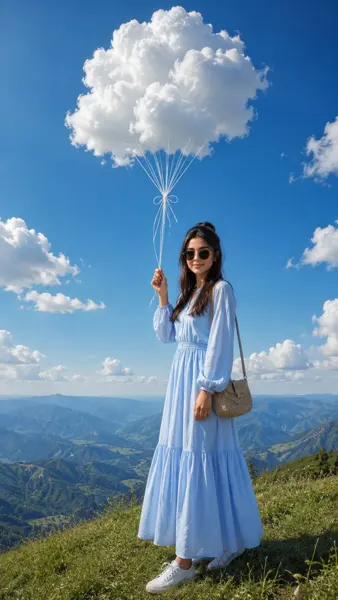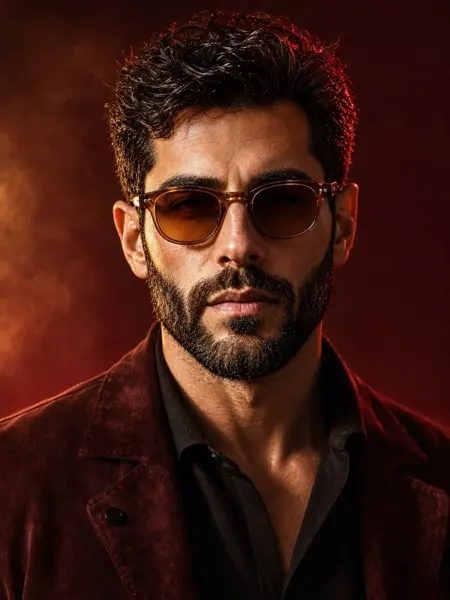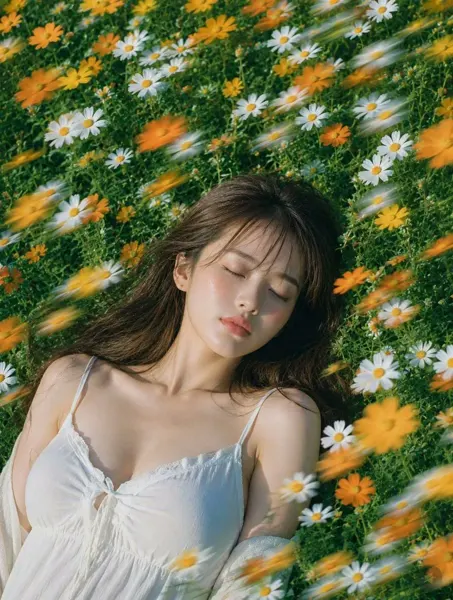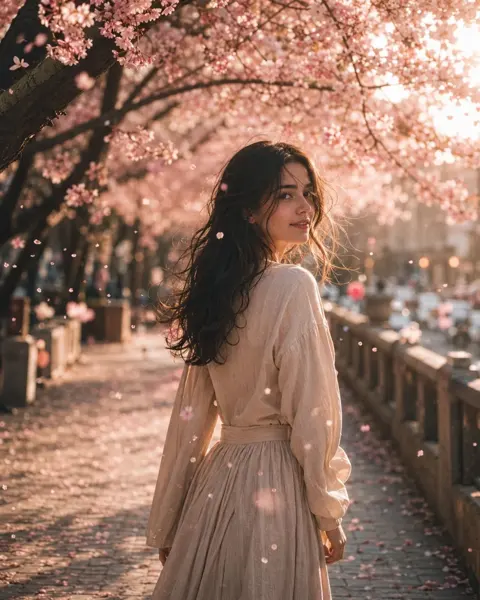
클릭하여 전체 이미지 보기 · 원본 사례 참조용
사례 출처
@Mind_Boticni ↗ · 사례 #412
원본 사례 내용을 유지합니다. 생성 결과는 모델 버전, 참조 이미지 및 매개변수에 따라 달라질 수 있으며, 본 사이트에서 개별 검증을 진행하지 않아 동일한 결과의 재현을 보장하지 않습니다.
실사 사진 / PROMPT #412
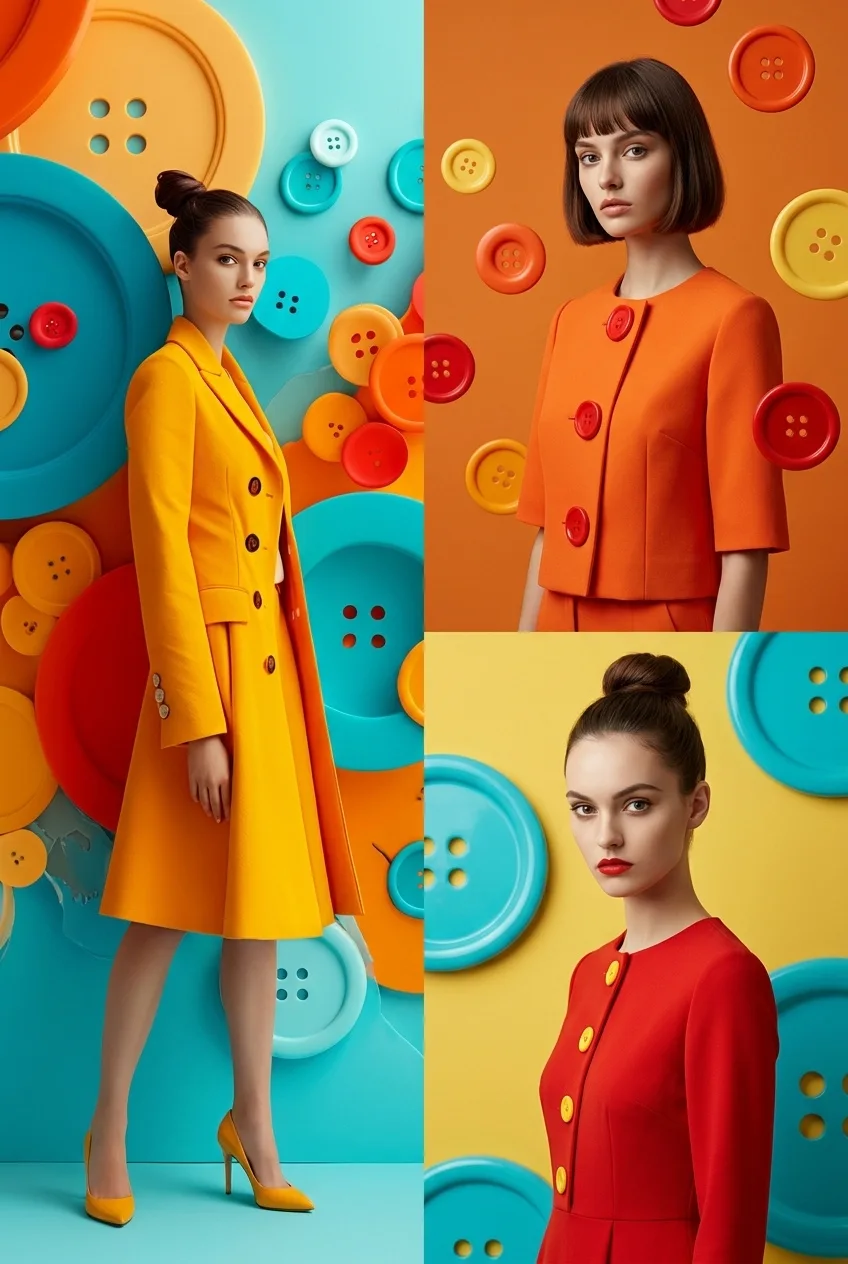
컬러풀 버튼 패션 Campaign
먼저 이미지를 확인한 뒤 원본 프롬프트를 복사하세요. 치환 문구가 있는 경우 아래에서 원하는 내용으로 변경할 수 있습니다.
01 / 나만의 버전 설정
이 사례에는 명시적인 치환 문구가 없습니다. 복사 후 피사체, 색상, 텍스트, 비율을 직접 수정해 보세요.
02 / 전체 프롬프트 · 원문
Use reference image as style guide.
Surreal minimalist fashion editorial photography with vibrant oversized colorful buttons as main visual theme (cyan, orange, yellow, red palette), glossy 3D surface design, clean studio lighting, ultra-smooth gradients, and high-end commercial fashion look.
Split-frame composition:

Left side: full-body female model standing from top to bottom, wearing bold minimalist fashion outfit inspired by reference style, confident pose, clean studio background filled with oversized colorful buttons, cinematic lighting, soft shadows, ultra-clean composition.

Right side (vertically split into two parts):
Top-right: half-body female model, different face, different pose, different outfit variation inspired by same button aesthetic, different background color mood.
Bottom-right: another half-body female model, completely different expression and pose, different styling, different background tone, maintaining same surreal button universe aesthetic.

Each section visually distinct but unified by the colorful button-inspired design language, glossy surfaces, soft studio reflections, and fashion magazine editorial feel.
Hyper-realistic, cinematic lighting, ultra-clean composition, high-end luxury campaign style, depth, contrast, 8k, 1:1 aspect ratio --style raw --v 6 --ar 1:1
사용하시는 이미지 생성 도구에 붙여넣어 사용하세요. 본 사이트는 프롬프트 탐색 및 편집 기능만 제공하며 직접 이미지를 생성하지 않습니다.
03 / 생성 전 체크리스트
- 치환 문구를 구체적인 내용으로 바꾸고, 참조 이미지가 필요한지 확인하세요.
- 텍스트가 포함된 경우 원하는 문구를 명확히 지정하고, 생성 후 글자를 꼼꼼히 확인하세요.
- 효과를 쉽게 비교할 수 있도록 피사체, 조명, 구도 중 한 번에 하나씩만 수정하세요.
관련 영감 더 둘러보기
더 많은 실사 사진 사례