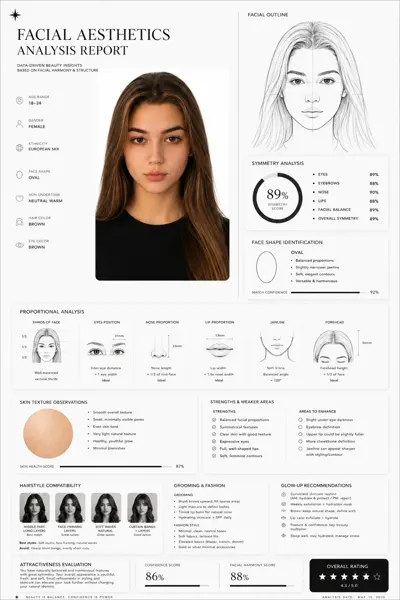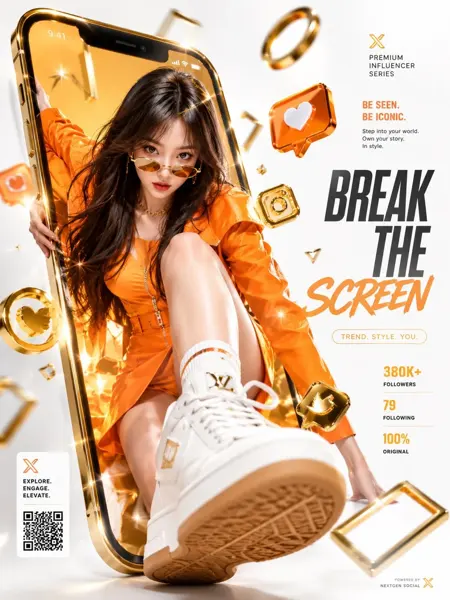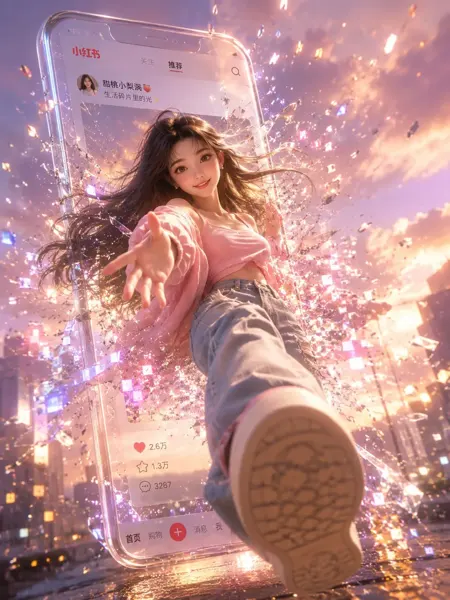
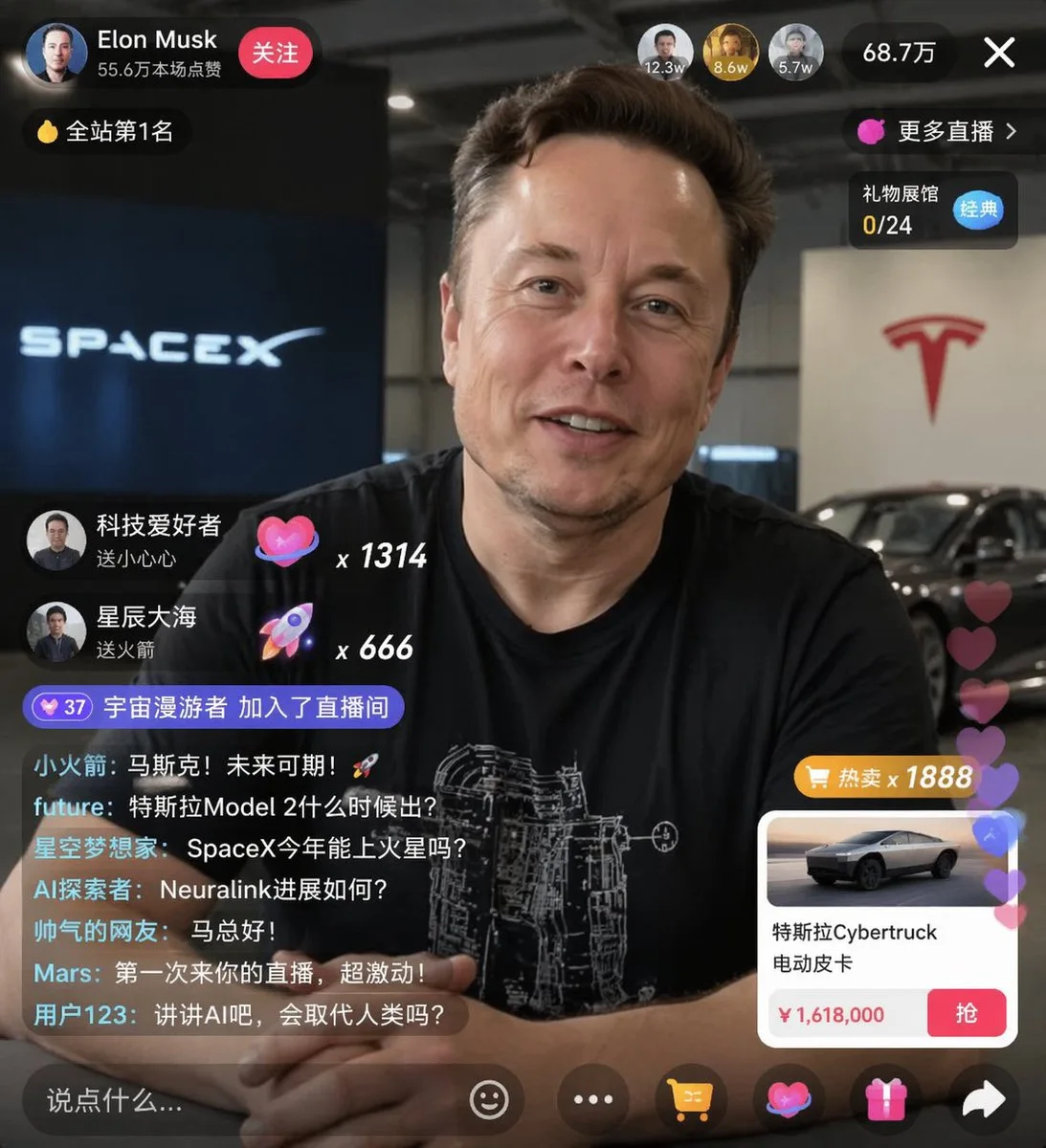
클릭하여 전체 이미지 보기 · 원본 사례 참조용
사례 출처
@sjbbxhz ↗ · 사례 #21
원본 사례 내용을 유지합니다. 생성 결과는 모델 버전, 참조 이미지 및 매개변수에 따라 달라질 수 있으며, 본 사이트에서 개별 검증을 진행하지 않아 동일한 결과의 재현을 보장하지 않습니다.
UI 및 인터페이스 / PROMPT #21
라이브 방송 화면 디자인
먼저 이미지를 확인한 뒤 원본 프롬프트를 복사하세요. 치환 문구가 있는 경우 아래에서 원하는 내용으로 변경할 수 있습니다.
01 / 나만의 버전 설정
02 / 전체 프롬프트 · 원문
{
  "type": "live stream UI mockup",
  "subject": {
    "description": "portrait of {argument name=\"host name\" default=\"Elon Musk\"}, smiling, wearing a black t-shirt with a white technical schematic graphic",
    "background": "left side shows a screen with '{argument name=\"left background logo\" default=\"SPACEX\"}' text, right side shows a red '{argument name=\"right background logo\" default=\"Tesla T logo\"}' and a dark car"
  },
  "ui_overlay": {
    "top_header": {
      "host_info": "avatar, name '{argument name=\"host name\" default=\"Elon Musk\"}', subtext '55.6万本场点赞', red '关注' button",
      "rank_badge": "gold coin icon with '全站第1名'",
      "viewer_stats": "3 top viewer avatars with '12.3w', '8.6w', '5.7w', total '68.7万', 'X' close button",
      "right_links": "'更多直播 >', '礼物展馆 0/24' with blue '经典' tag"
    },
    "mid_left_gifts": {
      "count": 2,
      "items": [
        "avatar '科技爱好者', '送小心心', heart icon x 1314",
        "avatar '星辰大海', '送火箭', rocket icon x 666"
      ]
    },
    "bottom_left_chat": {
      "system_message": "level 37 badge '宇宙漫游者 加入了直播间'",
      "message_count": 7,
      "messages": [
        "小火箭: 马斯克!未来可期!🚀",
        "future: 特斯拉Model 2什么时候出?",
        "星空梦想家: SpaceX今年能上火星吗?",
        "AI探索者: Neuralink进展如何?",
        "帅气的网友: 马总好!",
        "Mars: 第一次来你的直播,超激动!",
        "用户123: 讲讲AI吧,会取代人类吗?"
      ]
    },
    "bottom_right_product_card": {
      "hot_tag": "orange '热卖 x 1888'",
      "image": "Tesla Cybertruck",
      "title": "{argument name=\"product name\" default=\"特斯拉Cybertruck 电动皮卡\"}",
      "price": "{argument name=\"product price\" default=\"¥ 1,618,000\"}",
      "button": "red '抢' button",
      "floating_animation": "translucent hearts floating up the right edge"
    },
    "bottom_bar": {
      "input_field": "'说点什么...'",
      "icons": ["smiley face", "three dots", "shopping cart", "gift box", "share"]
    }
  }
}사용하시는 이미지 생성 도구에 붙여넣어 사용하세요. 본 사이트는 프롬프트 탐색 및 편집 기능만 제공하며 직접 이미지를 생성하지 않습니다.
03 / 생성 전 체크리스트
- 치환 문구를 구체적인 내용으로 바꾸고, 참조 이미지가 필요한지 확인하세요.
- 텍스트가 포함된 경우 원하는 문구를 명확히 지정하고, 생성 후 글자를 꼼꼼히 확인하세요.
- 효과를 쉽게 비교할 수 있도록 피사체, 조명, 구도 중 한 번에 하나씩만 수정하세요.
관련 영감 더 둘러보기
더 많은 UI 및 인터페이스 사례