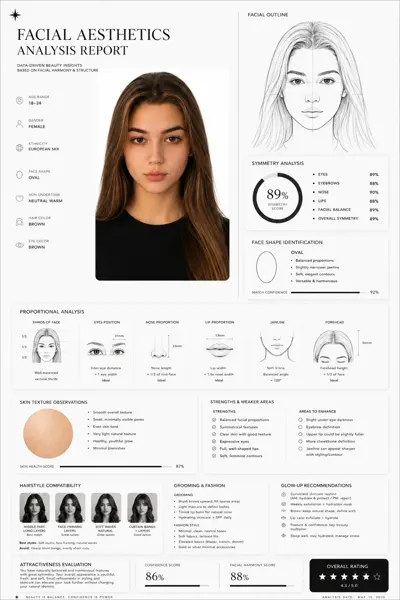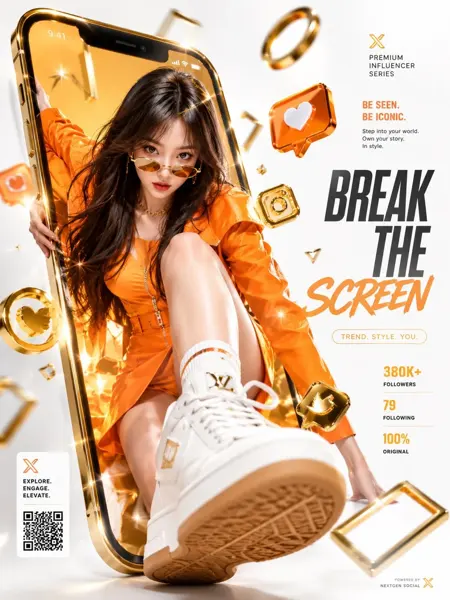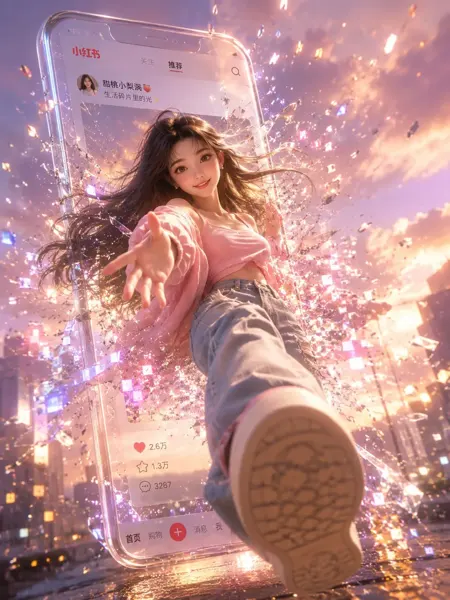
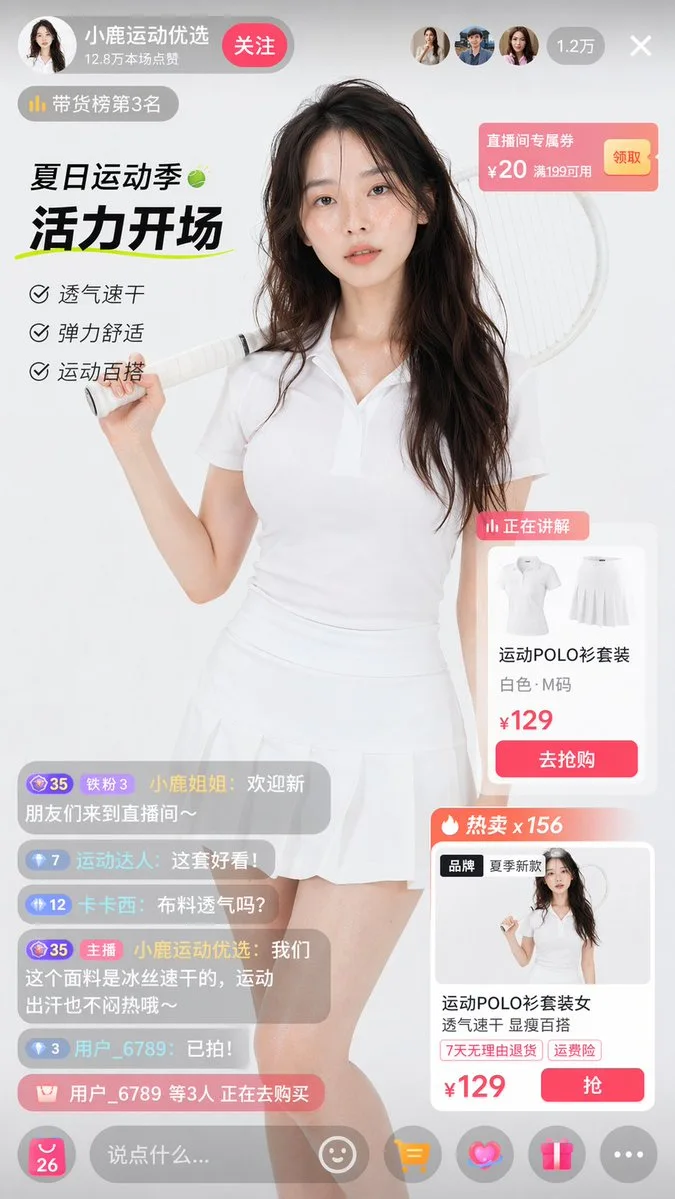
클릭하여 전체 이미지 보기 · 원본 사례 참조용
사례 출처
@onlyhuman028 ↗ · 사례 #159
원본 사례 내용을 유지합니다. 생성 결과는 모델 버전, 참조 이미지 및 매개변수에 따라 달라질 수 있으며, 본 사이트에서 개별 검증을 진행하지 않아 동일한 결과의 재현을 보장하지 않습니다.
UI 및 인터페이스 / PROMPT #159
UI 인터랙션 디자인 · #159
먼저 이미지를 확인한 뒤 원본 프롬프트를 복사하세요. 치환 문구가 있는 경우 아래에서 원하는 내용으로 변경할 수 있습니다.
01 / 나만의 버전 설정
02 / 전체 프롬프트 · 원문
{
  "type": "e-commerce livestream UI mockup",
  "subject": {
    "description": "photorealistic young Asian woman, sweaty glowing skin, long dark wavy hair, wearing a white short-sleeve polo shirt and white pleated tennis skirt, holding a white tennis racket over her right shoulder, looking directly at camera, studio lighting, white background"
  },
  "layout": {
    "top_header": {
      "host_info": {
        "name": "{argument name=\"host name\" default=\"小鹿运动优选\"}",
        "stats": "12.8万本场点赞",
        "button": "关注"
      },
      "rank_tag": "带货榜第3名",
      "viewer_stats": "1.2万"
    },
    "top_right": {
      "coupon": {
        "title": "直播间专属券",
        "value": "¥20 满199可用",
        "button": "领取"
      }
    },
    "left_overlay": {
      "title": "{argument name=\"campaign title\" default=\"夏日运动季\"}",
      "subtitle": "{argument name=\"campaign subtitle\" default=\"活力开场\"}",
      "bullet_points": {
        "count": 3,
        "items": ["透气速干", "弹力舒适", "运动百搭"]
      }
    },
    "right_overlay": {
      "product_cards": {
        "count": 2,
        "card_1": {
          "status": "正在讲解",
          "image": "white polo shirt and skirt flat lay",
          "title": "{argument name=\"product name\" default=\"运动POLO衫套装\"}",
          "details": "白色·M码",
          "price": "{argument name=\"price\" default=\"¥129\"}",
          "button": "去抢购"
        },
        "card_2": {
          "status": "热卖 x 156",
          "image": "miniature of main model",
          "title": "运动POLO衫套装女",
          "details": "透气速干 显瘦百搭",
          "price": "{argument name=\"price\" default=\"¥129\"}",
          "button": "抢"
        }
      }
    },
    "bottom_left": {
      "chat_messages": {
        "count": 5,
        "description": "scrolling chat messages with usernames and comments"
      },
      "purchase_alert": "用户_6789 等3人 正在去购买"
    },
    "bottom_bar": {
      "input_field": "说点什么...",
      "icons": {
        "count": 5,
        "types": ["smile", "shopping cart", "heart", "gift", "more"]
      }
    }
  }
}사용하시는 이미지 생성 도구에 붙여넣어 사용하세요. 본 사이트는 프롬프트 탐색 및 편집 기능만 제공하며 직접 이미지를 생성하지 않습니다.
03 / 생성 전 체크리스트
- 치환 문구를 구체적인 내용으로 바꾸고, 참조 이미지가 필요한지 확인하세요.
- 텍스트가 포함된 경우 원하는 문구를 명확히 지정하고, 생성 후 글자를 꼼꼼히 확인하세요.
- 효과를 쉽게 비교할 수 있도록 피사체, 조명, 구도 중 한 번에 하나씩만 수정하세요.
관련 영감 더 둘러보기
더 많은 UI 및 인터페이스 사례