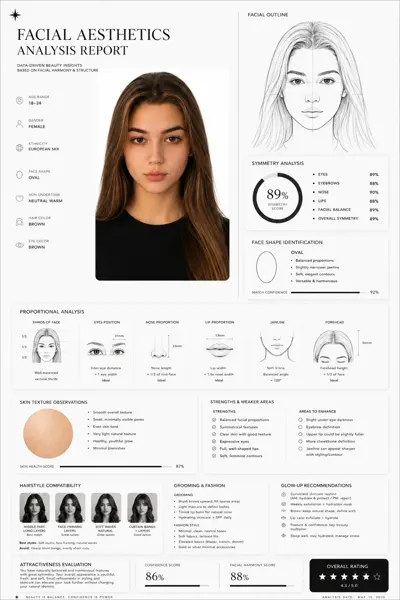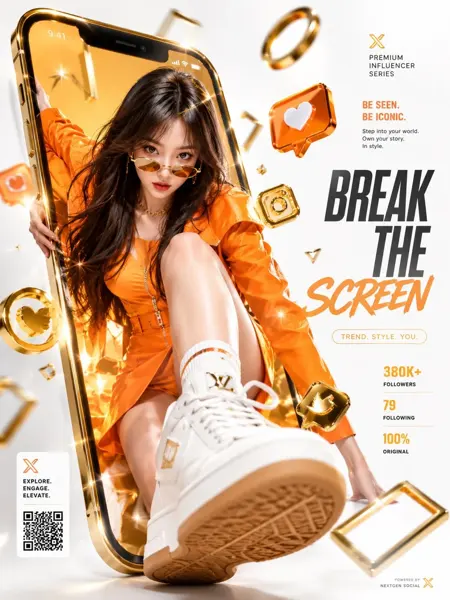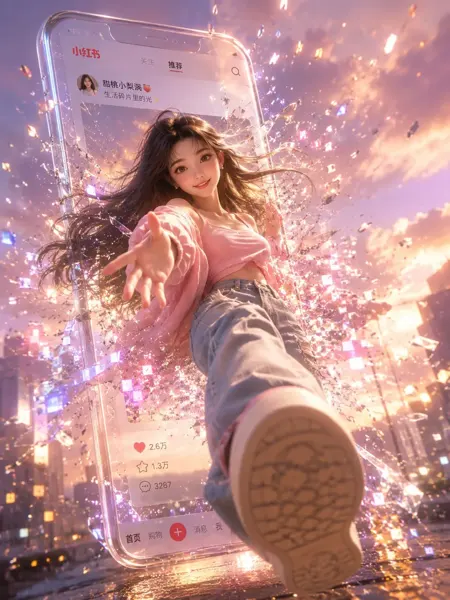
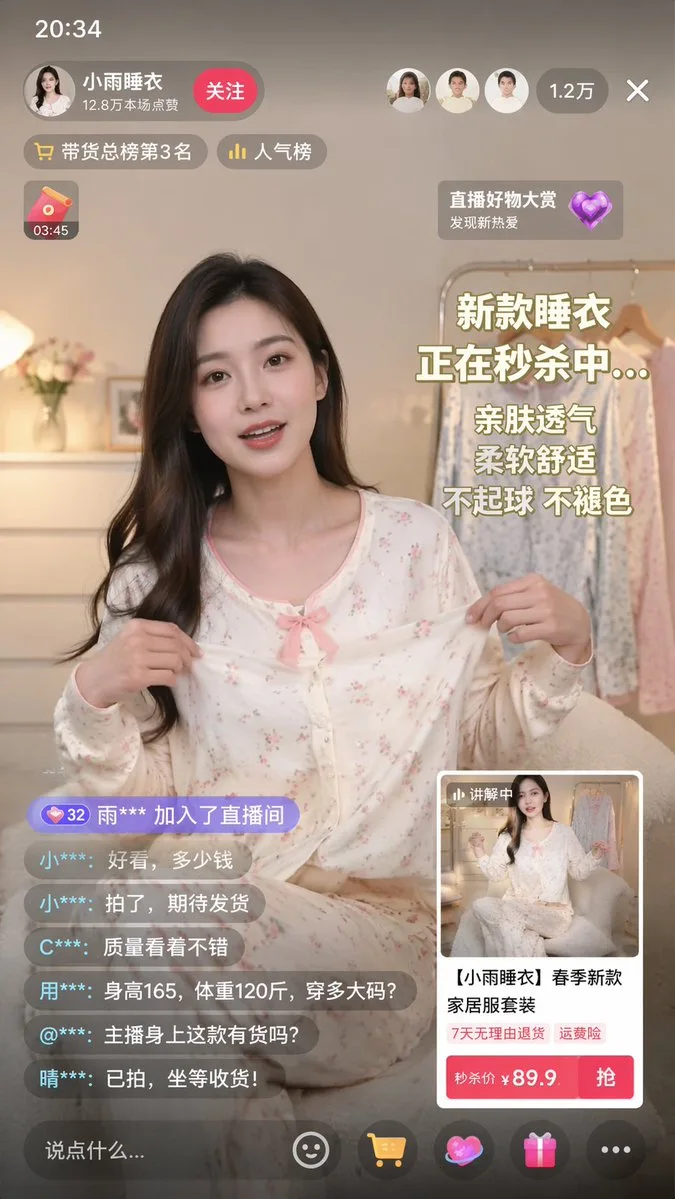
클릭하여 전체 이미지 보기 · 원본 사례 참조용
사례 출처
@linxiaobei888 ↗ · 사례 #156
원본 사례 내용을 유지합니다. 생성 결과는 모델 버전, 참조 이미지 및 매개변수에 따라 달라질 수 있으며, 본 사이트에서 개별 검증을 진행하지 않아 동일한 결과의 재현을 보장하지 않습니다.
UI 및 인터페이스 / PROMPT #156
앱 UI 목업 · #156
먼저 이미지를 확인한 뒤 원본 프롬프트를 복사하세요. 치환 문구가 있는 경우 아래에서 원하는 내용으로 변경할 수 있습니다.
01 / 나만의 버전 설정
02 / 전체 프롬프트 · 원문
{
  "type": "mobile live-streaming e-commerce interface mockup",
  "subject": {
    "description": "young Asian woman, long dark hair, wearing light-colored floral pajama set with a pink bow, holding the pajama top outward to show the fabric",
    "background": "cozy room, clothing rack with pajamas, flowers, warm lighting"
  },
  "ui_layout": {
    "top_bar": {
      "time": "20:34",
      "host_info": {
        "name": "{argument name=\"host name\" default=\"小雨睡衣\"}",
        "stats": "12.8万本场点赞",
        "button": "关注"
      },
      "viewer_info": {
        "avatars_count": 3,
        "total_viewers": "1.2万"
      }
    },
    "floating_tags": {
      "count": 2,
      "labels": ["带货总榜第3名", "人气榜"]
    },
    "widgets": {
      "top_left": "red envelope icon with timer 03:45",
      "top_right": "floating heart icon with text 直播好物大赏 发现新热爱"
    },
    "marketing_text_overlay": {
      "position": "mid-right",
      "lines_count": 5,
      "lines": [
        "{argument name=\"main headline\" default=\"新款睡衣\"}",
        "{argument name=\"sub headline\" default=\"正在秒杀中...\"}",
        "亲肤透气",
        "柔软舒适",
        "不起球 不褪色"
      ]
    },
    "chat_log": {
      "position": "bottom-left",
      "message_count": 7,
      "messages": [
        "32 雨*** 加入了直播间",
        "小***: 好看,多少钱",
        "小***: 拍了,期待发货",
        "C***: 质量看着不错",
        "用***: 身高165,体重120斤,穿多大码?",
        "@***: 主播身上这款有货吗?",
        "晴***: 已拍,坐等收货!"
      ]
    },
    "product_card": {
      "position": "bottom-right",
      "thumbnail": "miniature of the host",
      "title": "{argument name=\"product title\" default=\"【小雨睡衣】春季新款家居服套装\"}",
      "tags_count": 2,
      "tags": ["7天无理由退货", "运费险"],
      "price_section": "秒杀价 ¥ {argument name=\"product price\" default=\"89.9\"}",
      "action_button": "抢"
    },
    "bottom_bar": {
      "input_placeholder": "说点什么...",
      "icon_count": 5,
      "icons": ["smiley face", "shopping cart", "heart/gift", "gift box", "three dots"]
    }
  }
}사용하시는 이미지 생성 도구에 붙여넣어 사용하세요. 본 사이트는 프롬프트 탐색 및 편집 기능만 제공하며 직접 이미지를 생성하지 않습니다.
03 / 생성 전 체크리스트
- 치환 문구를 구체적인 내용으로 바꾸고, 참조 이미지가 필요한지 확인하세요.
- 텍스트가 포함된 경우 원하는 문구를 명확히 지정하고, 생성 후 글자를 꼼꼼히 확인하세요.
- 효과를 쉽게 비교할 수 있도록 피사체, 조명, 구도 중 한 번에 하나씩만 수정하세요.
관련 영감 더 둘러보기
더 많은 UI 및 인터페이스 사례