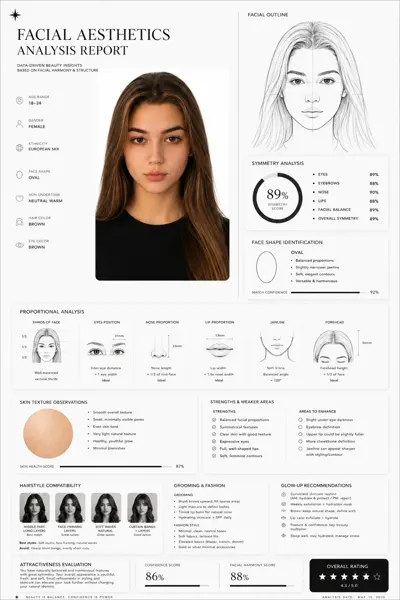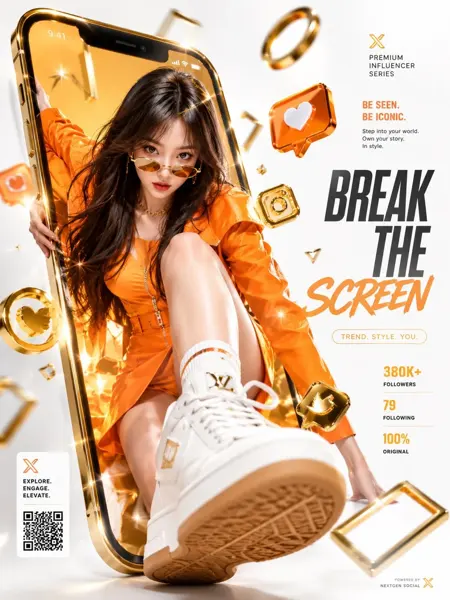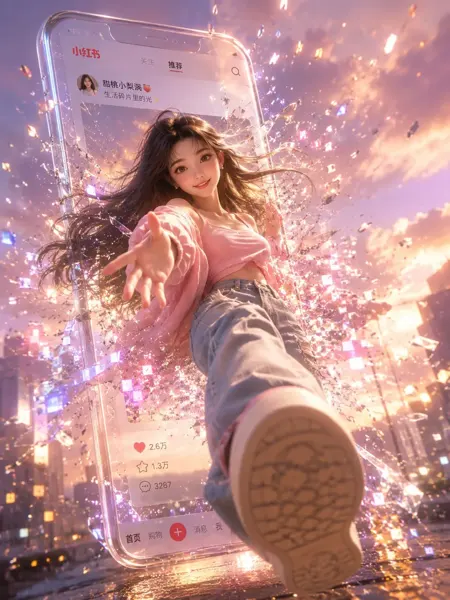
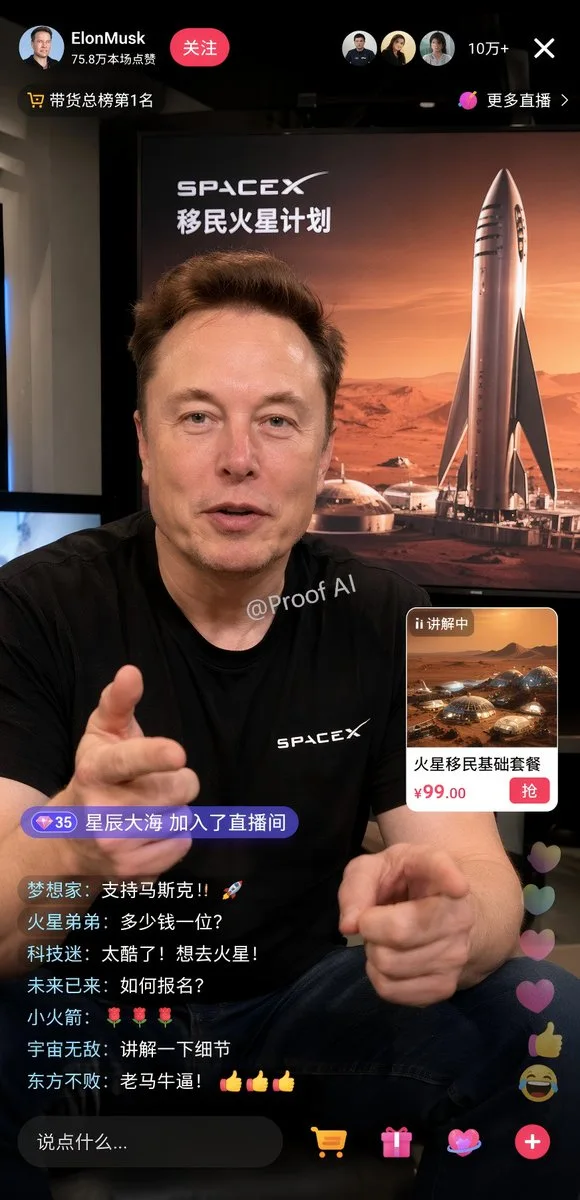
클릭하여 전체 이미지 보기 · 원본 사례 참조용
사례 출처
@JCutcut47692 ↗ · 사례 #149
원본 사례 내용을 유지합니다. 생성 결과는 모델 버전, 참조 이미지 및 매개변수에 따라 달라질 수 있으며, 본 사이트에서 개별 검증을 진행하지 않아 동일한 결과의 재현을 보장하지 않습니다.
UI 및 인터페이스 / PROMPT #149
라이브 방송 UI 디자인 · #149
먼저 이미지를 확인한 뒤 원본 프롬프트를 복사하세요. 치환 문구가 있는 경우 아래에서 원하는 내용으로 변경할 수 있습니다.
01 / 나만의 버전 설정
02 / 전체 프롬프트 · 원문
{
  "type": "mobile livestream e-commerce interface mockup",
  "subject": {
    "person": "Elon Musk",
    "clothing": "black t-shirt with SPACEX logo",
    "pose": "gesturing towards camera with both hands, explaining enthusiastically",
    "watermark": "@Proof AI"
  },
  "background": {
    "setting": "large display screen",
    "image": "Mars landscape with Starship rocket and dome habitats",
    "text": [
      "SPACEX",
      "{argument name=\"background title\" default=\"移民火星计划\"}"
    ]
  },
  "ui_layout": {
    "header": {
      "broadcaster_info": {
        "name": "{argument name=\"broadcaster name\" default=\"ElonMusk\"}",
        "stats": "75.8万本场点赞",
        "follow_button": "关注"
      },
      "viewer_stats": {
        "avatars_count": 3,
        "text": "10万+",
        "close_button": "X"
      },
      "tags": [
        "带货总榜第1名",
        "更多直播 >"
      ]
    },
    "product_card": {
      "position": "mid-right",
      "status": "讲解中",
      "image": "Mars dome habitats",
      "title": "{argument name=\"product title\" default=\"火星移民基础套餐\"}",
      "price": "{argument name=\"product price\" default=\"¥99.00\"}",
      "action_button": "抢"
    },
    "chat_overlay": {
      "position": "bottom-left",
      "join_alert": "星辰大海 加入了直播间",
      "messages_count": 7,
      "messages": [
        "{argument name=\"top chat message\" default=\"梦想家: 支持马斯克!!🚀\"}",
        "火星弟弟: 多少钱一位?",
        "科技迷: 太酷了!想去火星!",
        "未来已来: 如何报名?",
        "小火箭: 🌹🌹🌹",
        "宇宙无敌: 讲解一下细节",
        "东方不败: 老马牛逼!👍👍👍"
      ]
    },
    "bottom_action_bar": {
      "input_placeholder": "说点什么...",
      "icons_count": 4,
      "icons": ["shopping cart", "gift box", "heart planet", "plus sign"]
    },
    "floating_reactions": {
      "position": "bottom-right",
      "elements": "stack of floating hearts, thumbs up, and laughing emojis"
    }
  }
}사용하시는 이미지 생성 도구에 붙여넣어 사용하세요. 본 사이트는 프롬프트 탐색 및 편집 기능만 제공하며 직접 이미지를 생성하지 않습니다.
03 / 생성 전 체크리스트
- 치환 문구를 구체적인 내용으로 바꾸고, 참조 이미지가 필요한지 확인하세요.
- 텍스트가 포함된 경우 원하는 문구를 명확히 지정하고, 생성 후 글자를 꼼꼼히 확인하세요.
- 효과를 쉽게 비교할 수 있도록 피사체, 조명, 구도 중 한 번에 하나씩만 수정하세요.
관련 영감 더 둘러보기
더 많은 UI 및 인터페이스 사례