Klicken für Vollbild · Referenz des Originalbeispiels
Quelle des Beispiels
@highball_cho ↗ · Beispiel #150
Originalinhalt beibehalten. Ergebnisse variieren je nach Modellversion, Referenzbildern und Parametern. Keine Garantie für identische Reproduktion.
Produkte & E-Commerce / PROMPT #150
Markenlogo-Design · #150
Erst das Bild ansehen, dann den Original-Prompt kopieren; Platzhalter unten nach Wunsch anpassen.
01 / Eigene Version anpassen
Keine eindeutigen Platzhalter erkannt. Nach dem Kopieren können Motiv, Farben, Bildtext und Seitenverhältnis angepasst werden.
02 / Vollständiger Prompt · Original
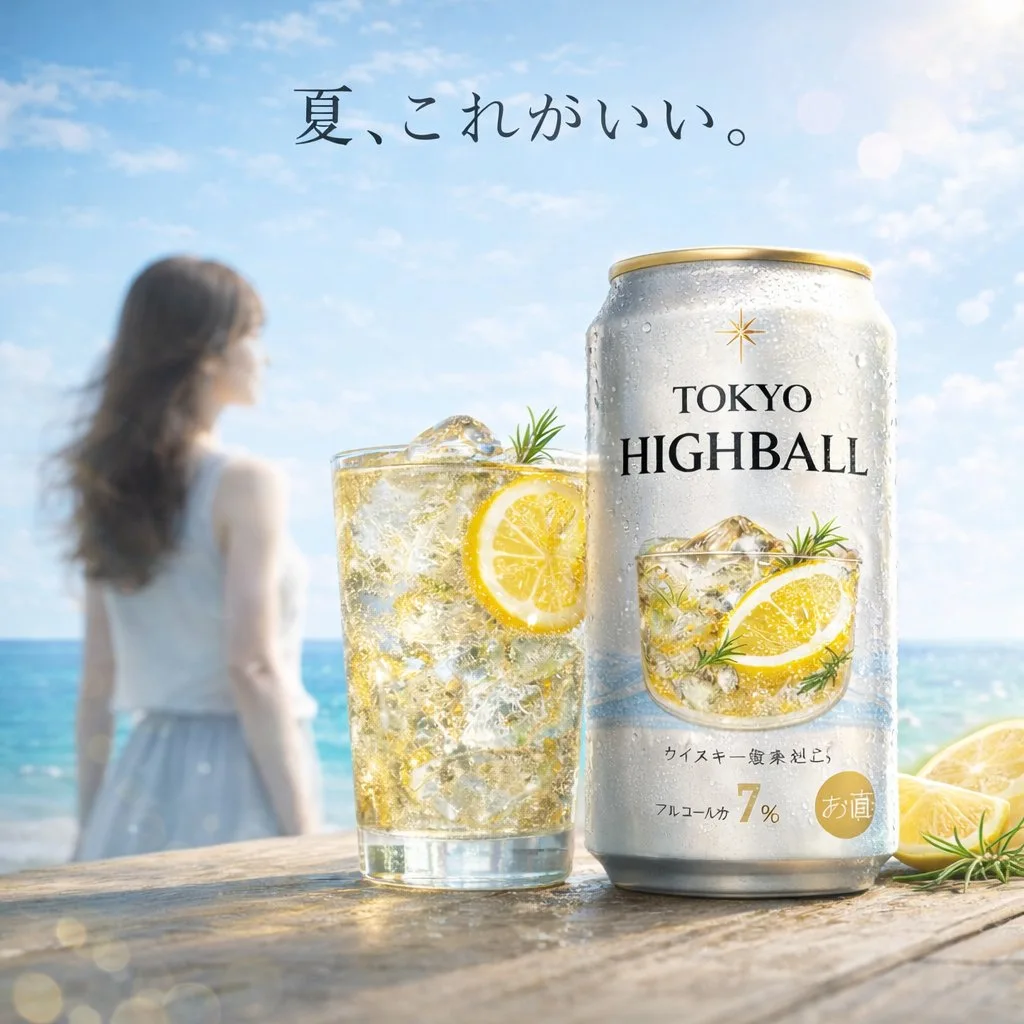
A bright, summery commercial product photography shot featuring a refreshing beverage on a weathered wooden table. In the sharp foreground, there is 1 tall glass filled with a golden, bubbly iced drink garnished with 1 lemon slice and a sprig of rosemary, sitting next to 1 silver aluminum can covered in cold condensation. The can prominently displays the English text {argument name="product name" default="TOKYO HIGHBALL"} below a small gold star logo, featuring a graphic of the drink itself and the Japanese text "アルコール分 7%" near the bottom. To the right of the can, 2 cut lemon wedges rest on the table. In the softly blurred background, a sunny beach scene unfolds with sparkling turquoise water and a clear blue sky. Standing to the left in the background is 1 young woman with long brown hair, wearing a white sleeveless top and a light blue skirt, looking out toward the ocean. Floating elegantly in the sky above the scene is the Japanese text {argument name="catchphrase" default="夏、これがいい。"}. The overall lighting is radiant and inviting, with sparkling bokeh and lens flares emphasizing the crisp, cold, and refreshing atmosphere of a perfect summer day.In dein bevorzugtes Bildgenerierungstool kopieren; Prompt Atelier dient zum Entdecken und Anpassen, nicht zum direkten Generieren.
03 / Vor dem Generieren prüfen
- Platzhalter durch konkrete Inhalte ersetzen und prüfen, ob ein Referenzbild erforderlich ist.
- Textinhalte vorab genau definieren und nach der Generierung Buchstabe für Buchstabe prüfen.
- Jeweils nur Motiv, Licht oder Bildaufbau ändern, um Ergebnisse gezielt vergleichen zu können.
Ähnliche Inspirationen entdecken
Mehr Produkte & E-Commerce-Beispiele
Produkte & E-Commerce
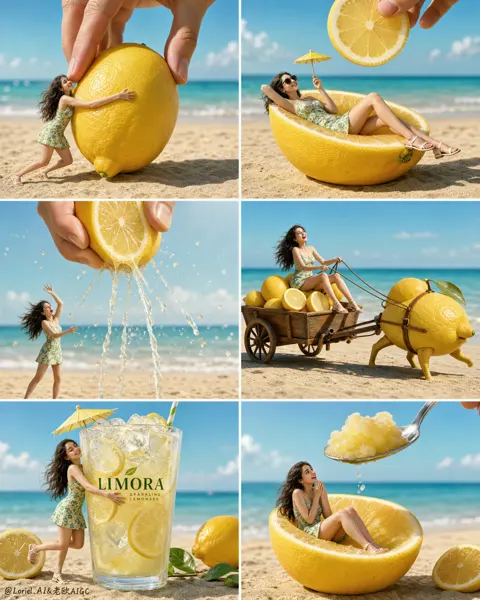
6-Raster-Miniaturwerbung für Zitronengetränk
Vollständigen Prompt anzeigen ↗#532