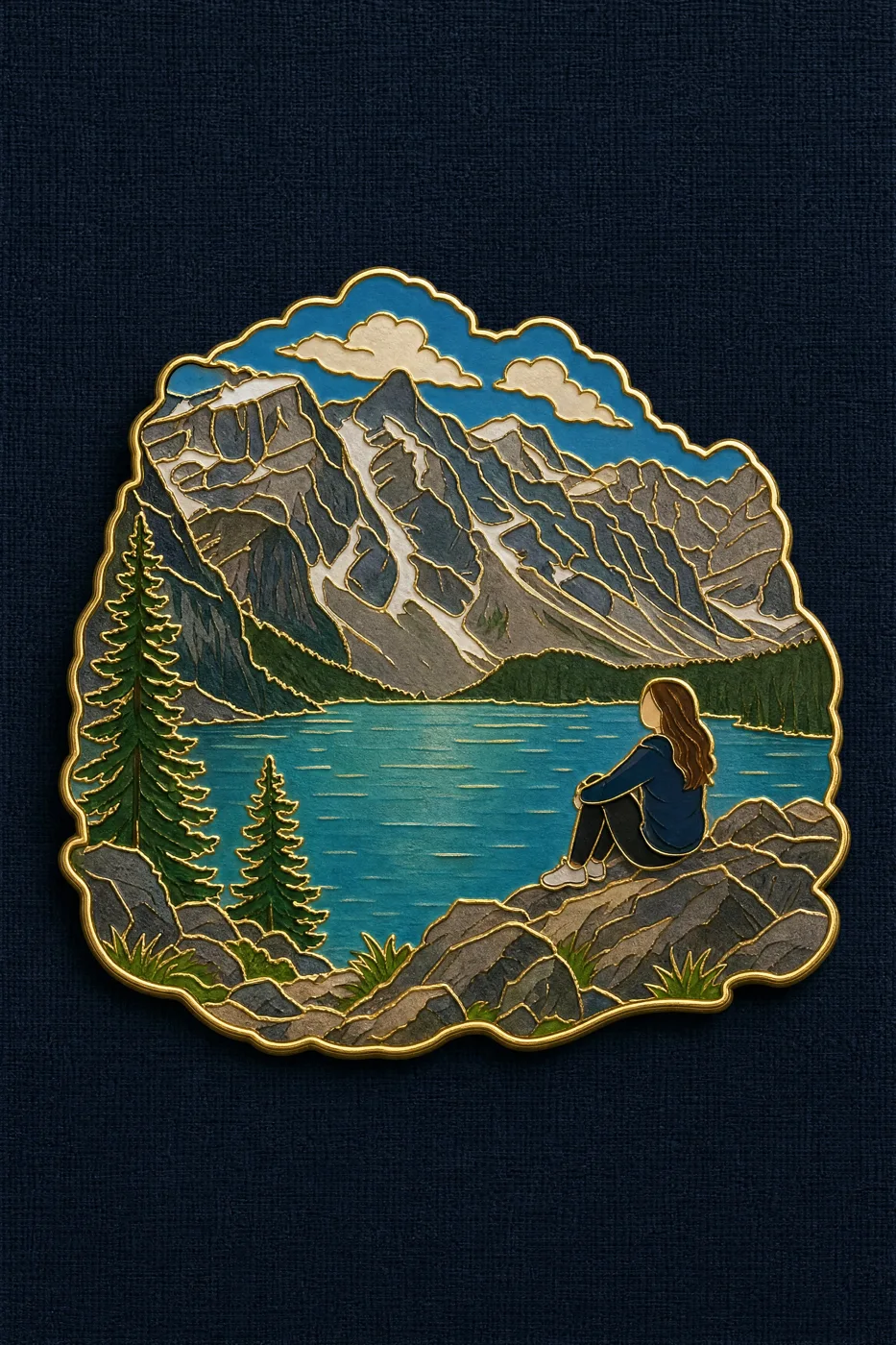
Click to view full image · Reference sample
Source
@Emmma__0 ↗ · Case #543
Original prompt preserved. Results vary depending on model version, reference image, and parameters; identical outputs are not guaranteed.
Products & E-commerce / PROMPT #543
Travel Souvenir Enamel Pin
Review the image, then copy the prompt. If placeholders are present, customize them below.
01 / Customize your version
No placeholders detected. You can freely adjust the subject, color palette, text, and aspect ratio after copying.
02 / Full Prompt · Original
Turn the reference photo into a travel souvenir enamel pin badge. Compose it as a SCENE, not a single isolated object.

Subject hierarchy: the defining landscape, terrain or landmark of the photo forms the main body of the badge and occupies most of its area. If a person appears prominently in the photo, keep them in the badge as a small, simplified figure at true relative scale within that landscape — the person is an accent, the landscape is the subject. Preserve the original spatial relationship and scale between the figure and the surroundings.

How to render the person: flat enamel color blocks matching their real clothing and hair color from the photo. The face is a smooth plain area of light skin-tone enamel with no drawn facial features — do NOT render the person as a dark or black silhouette, and do NOT black out the face or head. Skin reads as a warm light enamel color, clearly lighter than the clothing.

Styling: thin polished gold outline around the silhouette and along every internal divider, glossy enamel color fill, gentle even lighting with only a soft sheen on the gold lines, very subtle drop shadow. Outer contour follows the scene's own shape, not a plain rectangle.

Background: flat dark navy coarse linen texture. Badge centered, filling about 60% of the frame.

Avoid: black silhouette figure, blacked-out face, dark featureless head, portrait close-up, detailed facial features, person dominating the badge, cropping out the landscape, three-quarter angle, macro product photography, heavy specular glare, cartoon, realistic scene, text, watermark.
Copy into your preferred AI image generator. Prompt Atelier provides prompt browsing and editing, but does not generate images directly.
03 / Pre-generation checklist
- Replace placeholders with specific details, and check whether reference images are needed.
- Specify exact wording for text elements, and proofread carefully after generation.
- Adjust only one element at a time—subject, lighting, or composition—to compare results easily.
Explore related inspiration
More in Products & E-commerce