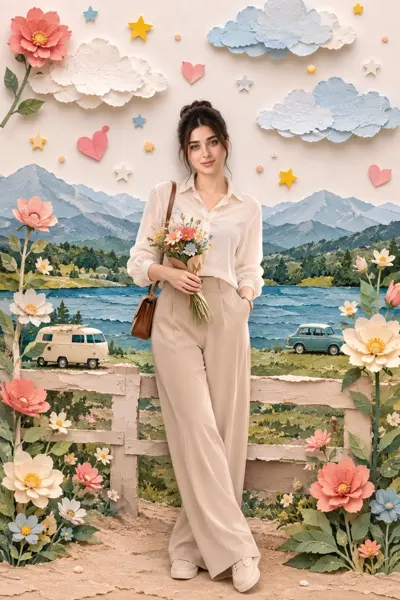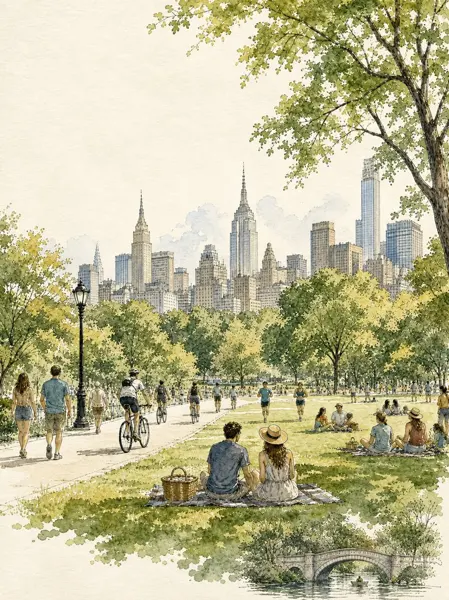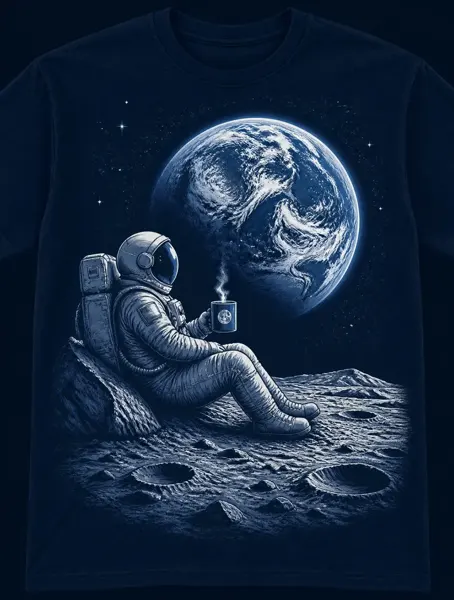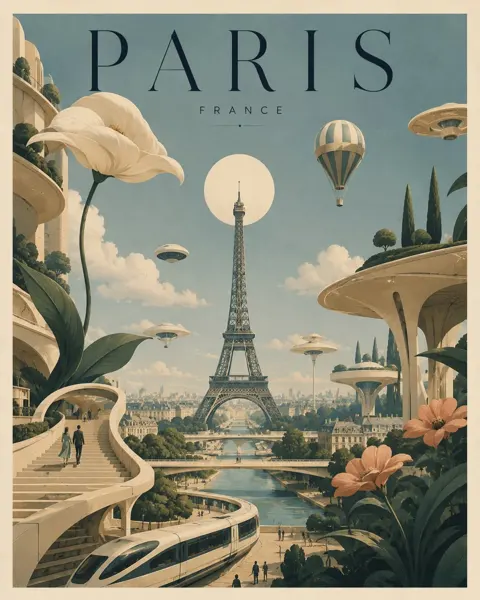
Click to view full image · Reference sample
Source
@Shorelyn_ ↗ · Case #504
Original prompt preserved. Results vary depending on model version, reference image, and parameters; identical outputs are not guaranteed.
Illustration & Art / PROMPT #504
Rough Graffiti Portrait Edit
Review the image, then copy the prompt. If placeholders are present, customize them below.
01 / Customize your version
No placeholders detected. You can freely adjust the subject, color palette, text, and aspect ratio after copying.
02 / Full Prompt · Original
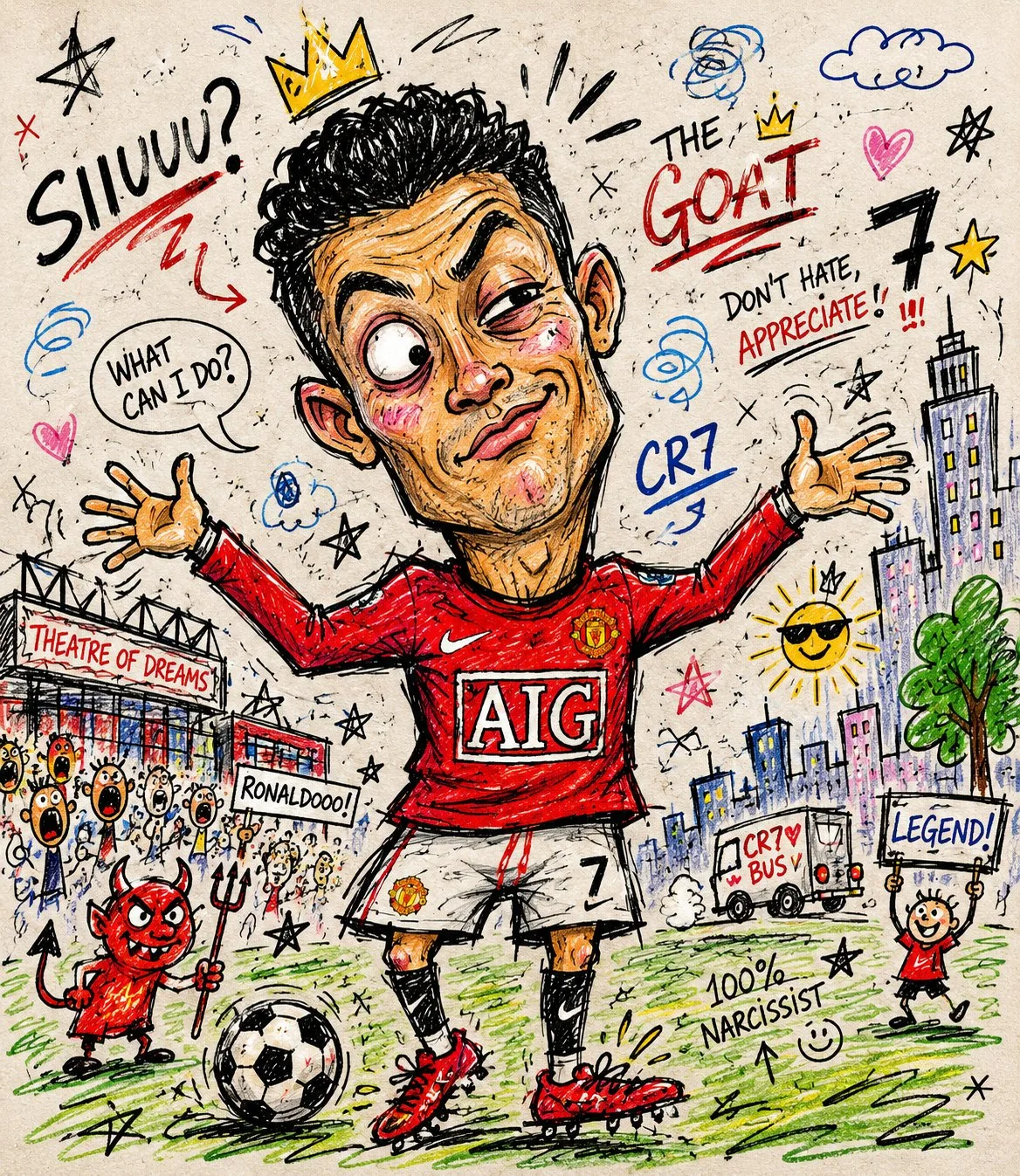
Turn this photo into a chaotic funny doodle illustration, intentionally messy and low-skill, as if drawn quickly with a cheap marker, crayon, or worn-out felt pen on paper.

Create exaggerated facial features with awkward proportions, uneven eyes, oversized head, tiny body, crooked smile, and clumsy anatomy while still keeping the person recognizable. Use rough childish sketch lines, shaky hand-drawn strokes, visible scribbles, overlapping outlines, accidental marks, and random doodles around the scene. Add a simple cartoon-style background with badly drawn buildings, trees, clouds, street elements, and uneven perspective. Coloring should look careless and imperfect, with visible stroke texture, inconsistent fill areas, wax crayon texture, marker bleed, and irregular shading. Include playful imperfections like crossed-out lines, unfinished details, random arrows, tiny notes, stars, swirls, and abstract scribbles. Overall aesthetic should feel humorous, spontaneous, handmade, energetic, goofy, and intentionally unpolished, resembling a child's sketchbook mixed with absurd internet meme art. High texture detail, paper grain visible, asymmetrical composition, awkward framing, expressive doodle chaos, raw sketch energy.
Copy into your preferred AI image generator. Prompt Atelier provides prompt browsing and editing, but does not generate images directly.
03 / Pre-generation checklist
- Replace placeholders with specific details, and check whether reference images are needed.
- Specify exact wording for text elements, and proofread carefully after generation.
- Adjust only one element at a time—subject, lighting, or composition—to compare results easily.
Explore related inspiration
More in Illustration & Art