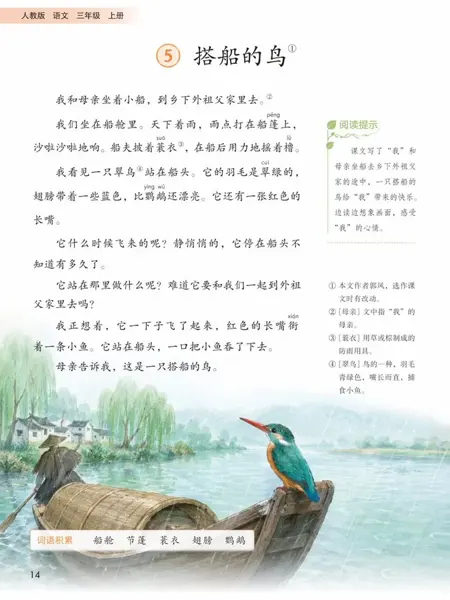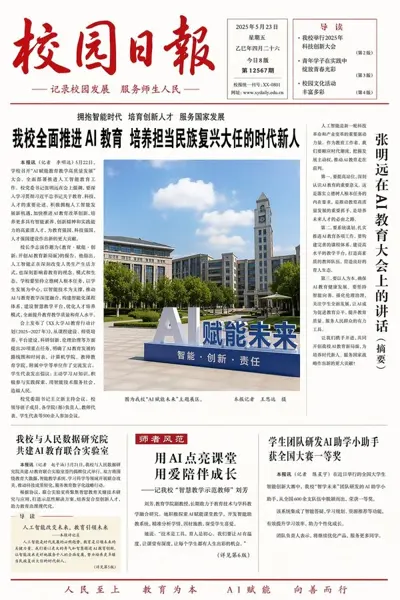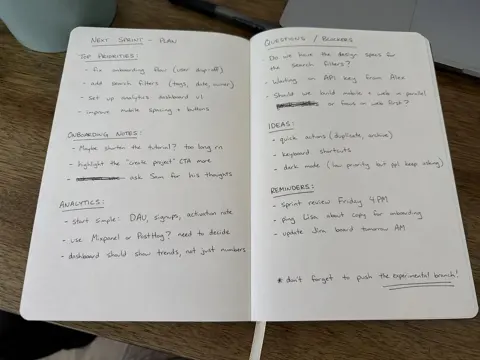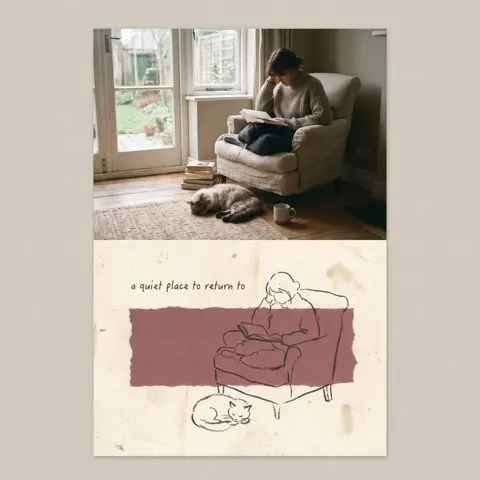
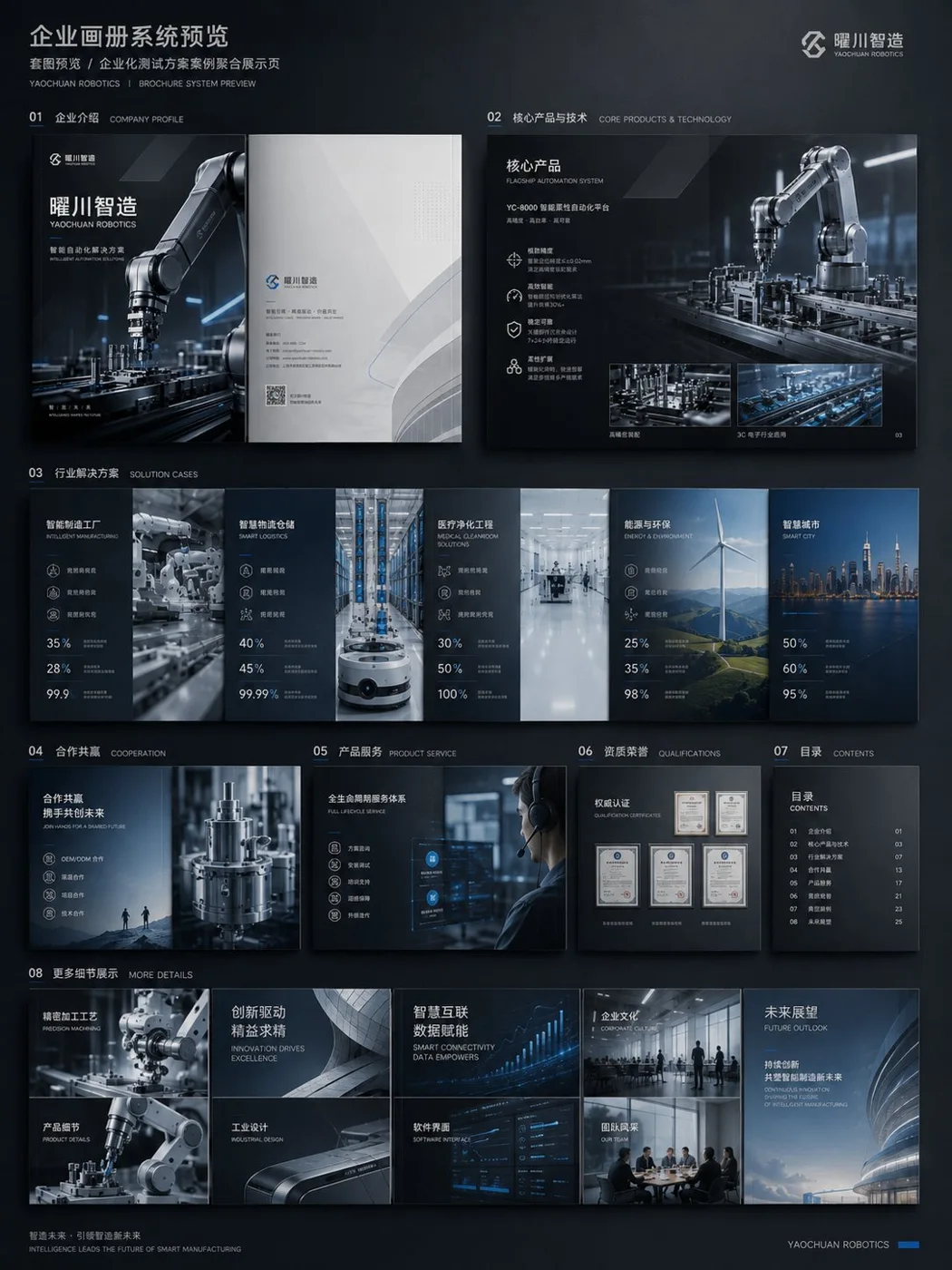
Click to view full image · Reference sample
Source
@MrLarus ↗ · Case #453
Original prompt preserved. Results vary depending on model version, reference image, and parameters; identical outputs are not guaranteed.
Documents & Publishing / PROMPT #453
Enterprise Commercial Brochure Visual System
Review the image, then copy the prompt. If placeholders are present, customize them below.
01 / Customize your version
02 / Full Prompt · Original
请生成一套企业级商用画册视觉方案,主题为【品牌名称】的【行业 / 产品 / 解决方案】宣传画册。

整体风格:高端、专业、具有强视觉冲击力;避免传统 Word 排版感和普通 PPT 感。采用【深色科技美学 / 白色极简商务 / 高端工业风 / 艺术化品牌画册】风格。

画册内容包括:
1、封面与封底
2、企业介绍与品牌理念
3、核心产品与技术优势
4、应用场景与解决方案
5、客户案例与合作方式
6、全册系统预览图

要求:
版式要有设计感,图片、标题、数据、图标、留白和层级关系清晰;保持整套画册统一的品牌视觉系统;重点体现真实商业物料的完成度,避免简单文字排版。

结构规划:
1、封面 / 封底:建立品牌门面、行业气质和整体视觉调性。
2、企业介绍页:说明公司定位、能力边界和服务对象。
3、产品技术页:展示核心产品、技术优势和解决方案。
4、应用场景页:让用户看到产品能用在哪些行业。
5、案例 / 合作页:补充可信度和商业转化信息。
6、全册系统预览:验证风格统一性和整本画册的系统感。

如果已有企业资料,可以上传旧版企业画册、公司介绍文档、产品说明书、官网内容、PPT 提案、产品图片或案例图片,让 ChatGPT 完成三件事:
1、重新梳理内容结构,判断哪些内容适合做封面、企业介绍、产品页、案例页和合作页。
2、提炼画册主线,避免只堆资料,需要形成清晰的商业叙事。
3、统一视觉方向,让整本画册看起来像同一个品牌系统,避免不同页面拼贴感。

避坑:
1、避免一上来只说“生成一本画册”,否则容易变成模板图。
2、避免只堆文字,画册一定要有产品视觉、场景图、数据模块和设计层级。
3、避免只生成单页,最好补一张全册预览图,才能体现完整系统感。
Copy into your preferred AI image generator. Prompt Atelier provides prompt browsing and editing, but does not generate images directly.
03 / Pre-generation checklist
- Replace placeholders with specific details, and check whether reference images are needed.
- Specify exact wording for text elements, and proofread carefully after generation.
- Adjust only one element at a time—subject, lighting, or composition—to compare results easily.
Explore related inspiration
More in Documents & Publishing