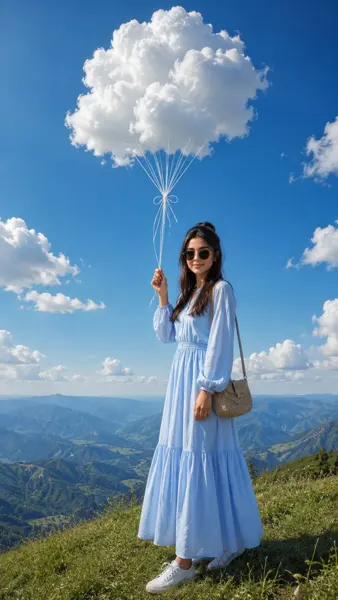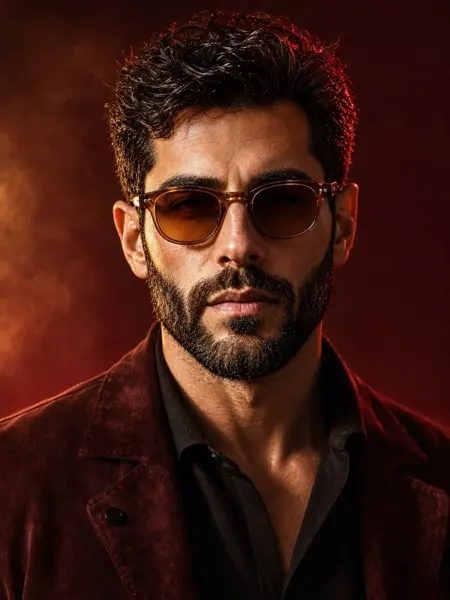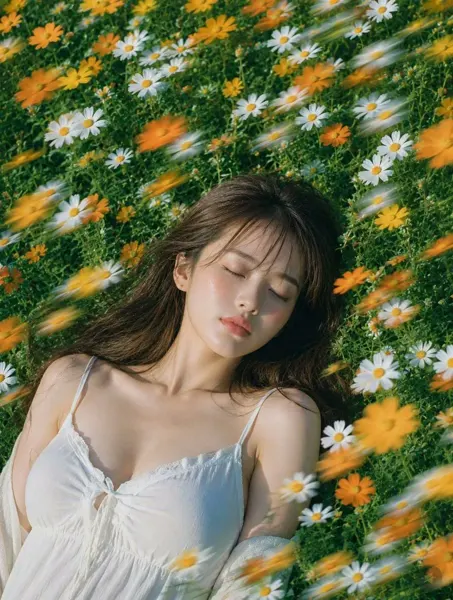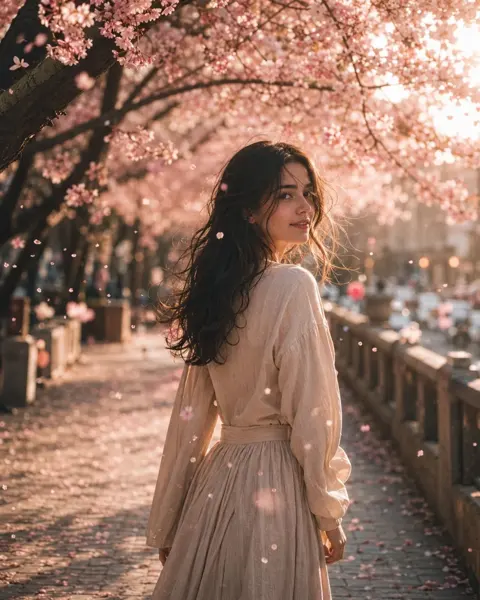
Click to view full image · Reference sample
Source
@bigwonbots ↗ · Case #428
Original prompt preserved. Results vary depending on model version, reference image, and parameters; identical outputs are not guaranteed.
Photography & Realism / PROMPT #428
F1 Broadcast Paddock Screenshot
Review the image, then copy the prompt. If placeholders are present, customize them below.
01 / Customize your version
No placeholders detected. You can freely adjust the subject, color palette, text, and aspect ratio after copying.
02 / Full Prompt · Original
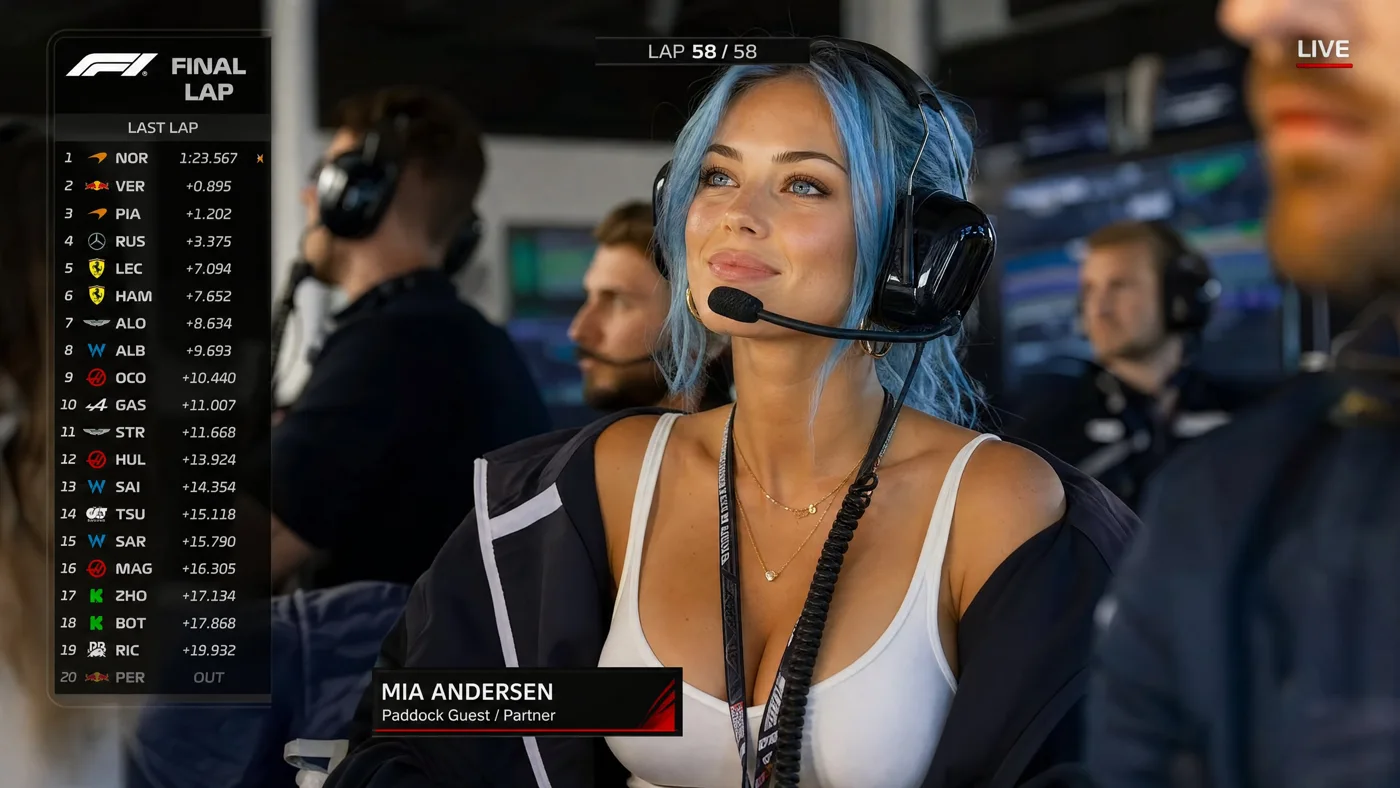
Ultra-realistic F1 live TV broadcast screenshot. A strikingly beautiful, 25-year-old young woman with bright light blue hair and captivating bright cerulean blue eyes is sitting in the VIP paddock / team garage during a Formula 1 race. Shown on the official live race broadcast as the girlfriend of an F1 driver, she is listening to the team radio through a professional racing headset. It is the final lap, and she is watching the garage monitors with a proud, enchanting smile.
She wears a fitted white tank top, an oversized racing team jacket (with generic, unbranded or blank team logos) draped over her shoulders, large black team-radio headset with boom mic, gold jewelry, and soft glam makeup. A slim, unbranded paddock pass hangs naturally from her neck.
Add realistic F1 broadcast graphics: "FINAL LAP" banner, lap counter showing final lap, driver timing tower on the left, small F1-style logo bug, "LIVE" indicator, and a lower-third identifying her as a driver partner / paddock guest (e.g., "MIA ANDERSEN - Paddock Guest / Partner"). No fake oversized badges, no selfie angle.
Team staff (in generic kit), headsets, garage screens, and generic race equipment are blurred around her. Telephoto broadcast camera shot from across the garage, professional depth of field, compression artifacts, digital noise, bright paddock lighting, natural skin texture, no smoothing, 8k quality, cinematic lighting.
Copy into your preferred AI image generator. Prompt Atelier provides prompt browsing and editing, but does not generate images directly.
03 / Pre-generation checklist
- Replace placeholders with specific details, and check whether reference images are needed.
- Specify exact wording for text elements, and proofread carefully after generation.
- Adjust only one element at a time—subject, lighting, or composition—to compare results easily.
Explore related inspiration
More in Photography & Realism