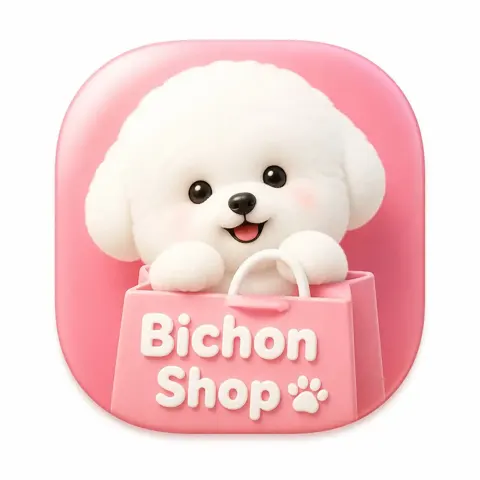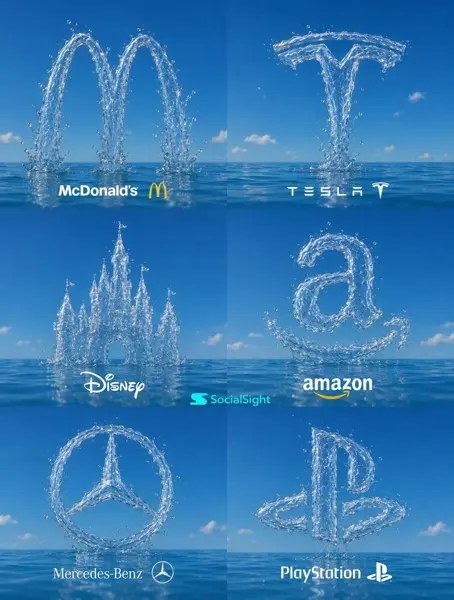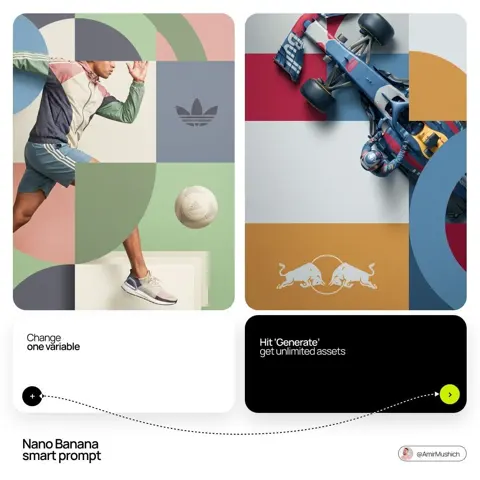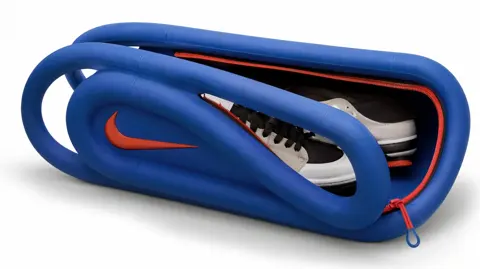
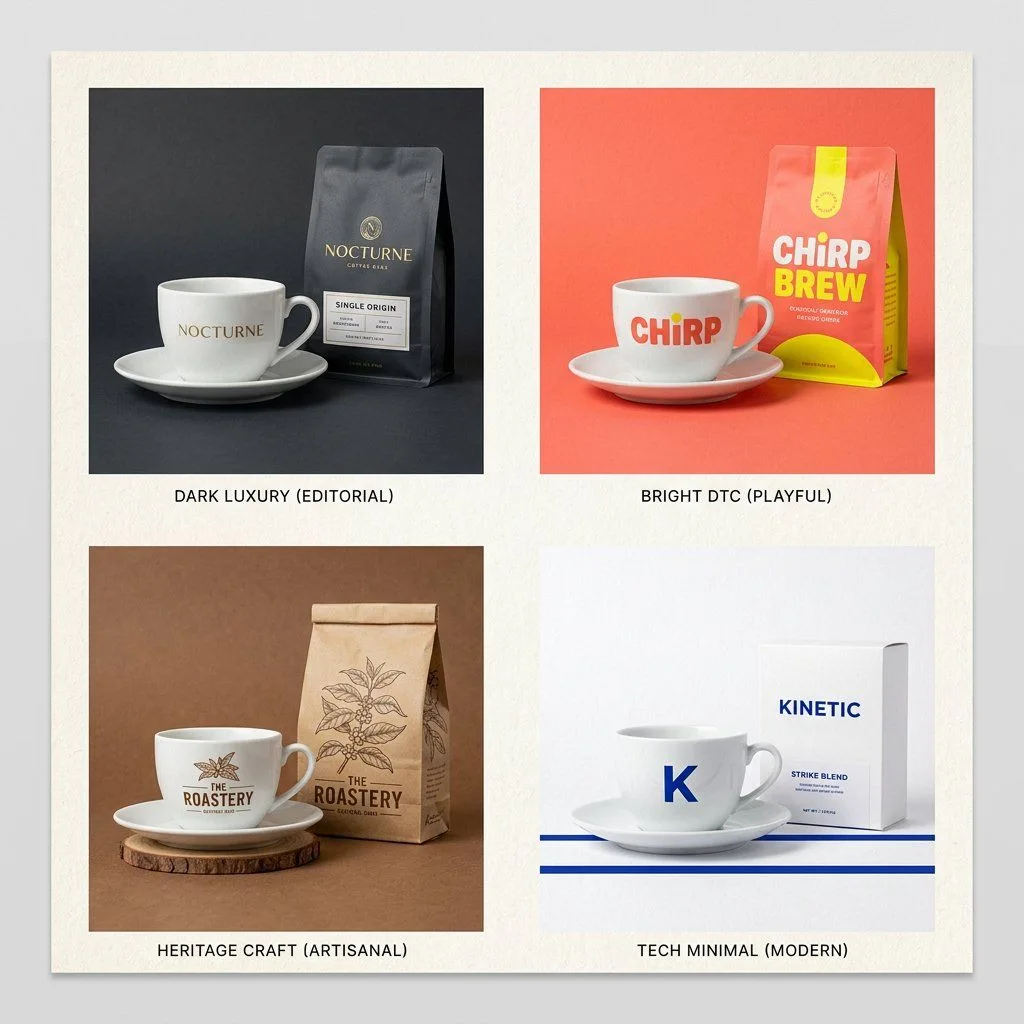
Click to view full image · Reference sample
Source
@SRKDAN ↗ · Case #386
Original prompt preserved. Results vary depending on model version, reference image, and parameters; identical outputs are not guaranteed.
Brand & Logos / PROMPT #386
Brand Packaging Envelope Product Ad
Review the image, then copy the prompt. If placeholders are present, customize them below.
01 / Customize your version
02 / Full Prompt · Original
The Brand Envelope | GPT Image-2 Prompt #89

This takes any product photo and wraps it in your specific brand world. Different product each time. Same brand, every time.

PHASE 1 / ANCHOR: Describe [BRAND IDENTITY] in 2 lines. Palette, texture, mood.
PHASE 2 / INJECT: Place [PRODUCT] inside that brand world, not the reverse.
PHASE 3 / FORMAT: Set [OUTPUT FORMAT]. Hero, square ad, or story.
PHASE 4 / SIGNATURE: Apply [BRAND ELEMENT]. Grain, shadow, or overlay.

Swap: [BRAND IDENTITY] / [PRODUCT] / [FORMAT]
Copy into your preferred AI image generator. Prompt Atelier provides prompt browsing and editing, but does not generate images directly.
03 / Pre-generation checklist
- Replace placeholders with specific details, and check whether reference images are needed.
- Specify exact wording for text elements, and proofread carefully after generation.
- Adjust only one element at a time—subject, lighting, or composition—to compare results easily.
Explore related inspiration
More in Brand & Logos