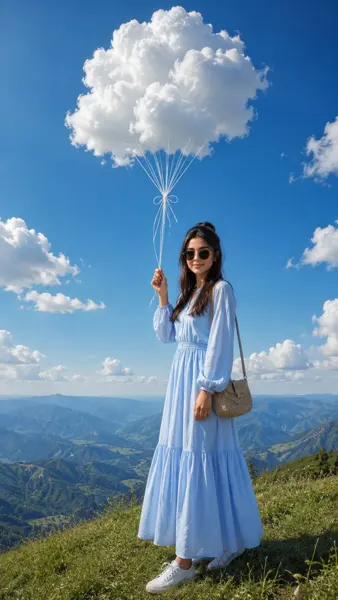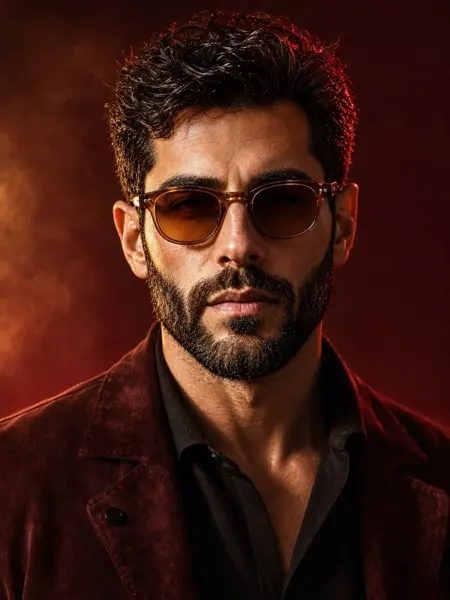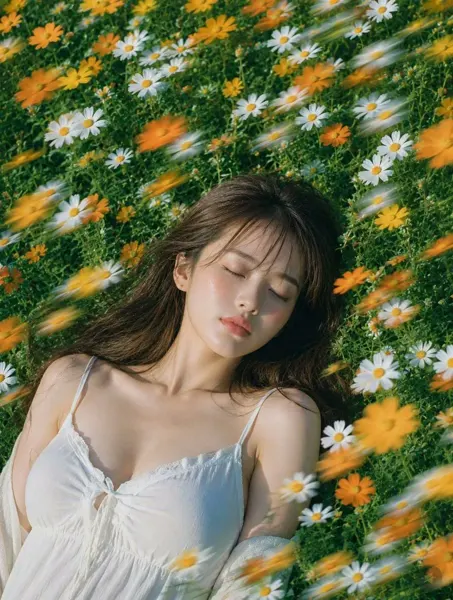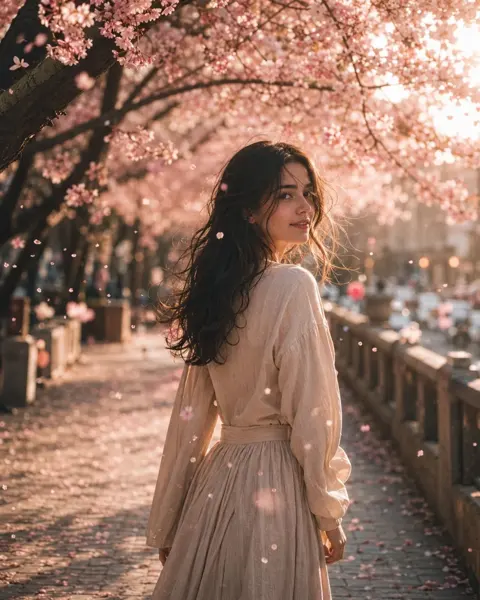
Click to view full image · Reference sample
Source
@frankfu1688 ↗ · Case #28
Original prompt preserved. Results vary depending on model version, reference image, and parameters; identical outputs are not guaranteed.
Photography & Realism / PROMPT #28
Realistic Photography Creation · #28
Review the image, then copy the prompt. If placeholders are present, customize them below.
01 / Customize your version
No placeholders detected. You can freely adjust the subject, color palette, text, and aspect ratio after copying.
02 / Full Prompt · Original
{
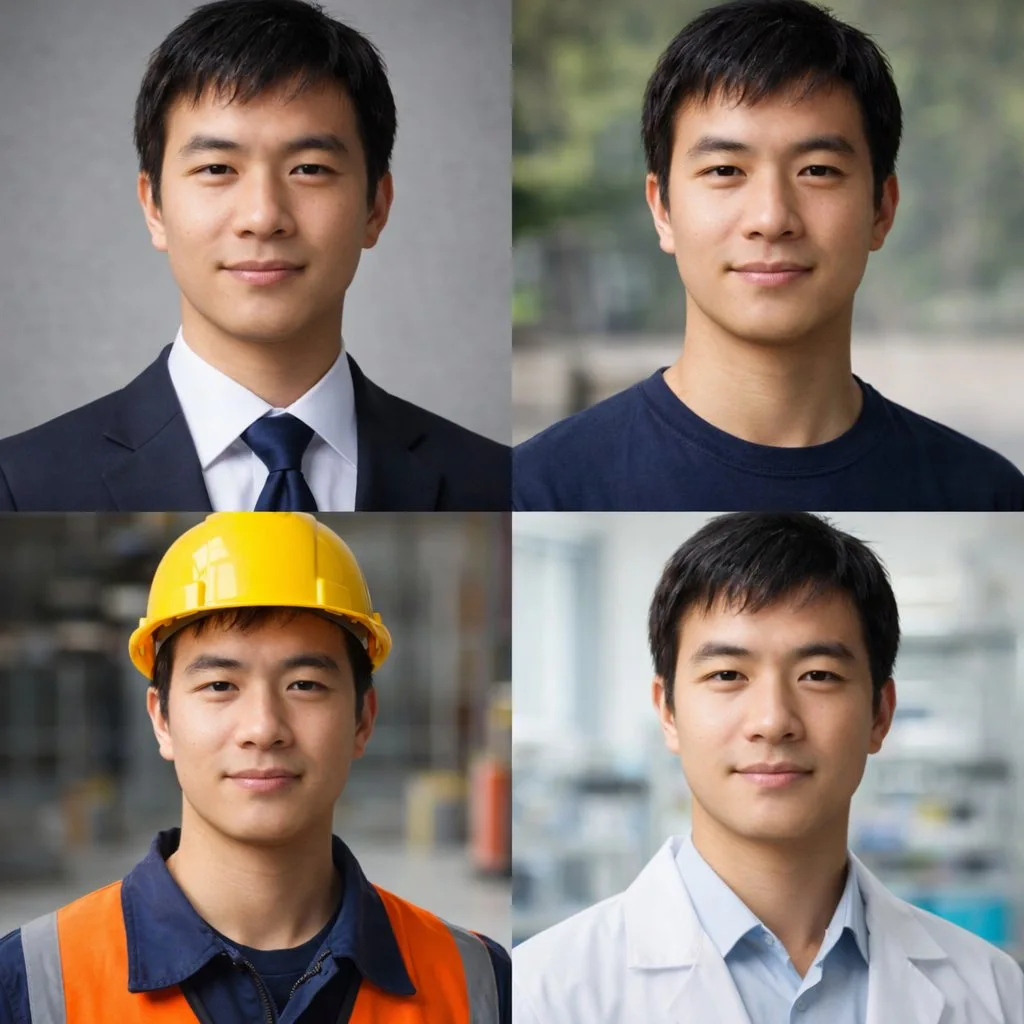
  "type": "2x2 portrait grid",
  "subject": "{argument name=\"subject description\" default=\"young adult East Asian male with short black hair and a slight smile\"}",
  "style": "photorealistic, high-resolution, professional lighting, consistent facial identity across all panels",
  "layout": {
    "format": "2x2 grid",
    "panel_count": 4,
    "panels": [
      {
        "position": "top-left",
        "description": "{argument name=\"profession 1\" default=\"Corporate professional wearing a dark navy suit, white shirt, and blue tie against a gray textured background\"}"
      },
      {
        "position": "top-right",
        "description": "{argument name=\"profession 2\" default=\"Casual attire wearing a dark blue crew neck t-shirt against a blurred outdoor park background\"}"
      },
      {
        "position": "bottom-left",
        "description": "{argument name=\"profession 3\" default=\"Construction worker wearing a yellow hard hat, navy blue work shirt, and bright orange high-visibility vest against a blurred warehouse background\"}"
      },
      {
        "position": "bottom-right",
        "description": "{argument name=\"profession 4\" default=\"Medical professional wearing a white lab coat over a light blue collared shirt against a blurred laboratory background\"}"
      }
    ]
  }
}
Copy into your preferred AI image generator. Prompt Atelier provides prompt browsing and editing, but does not generate images directly.
03 / Pre-generation checklist
- Replace placeholders with specific details, and check whether reference images are needed.
- Specify exact wording for text elements, and proofread carefully after generation.
- Adjust only one element at a time—subject, lighting, or composition—to compare results easily.
Explore related inspiration
More in Photography & Realism