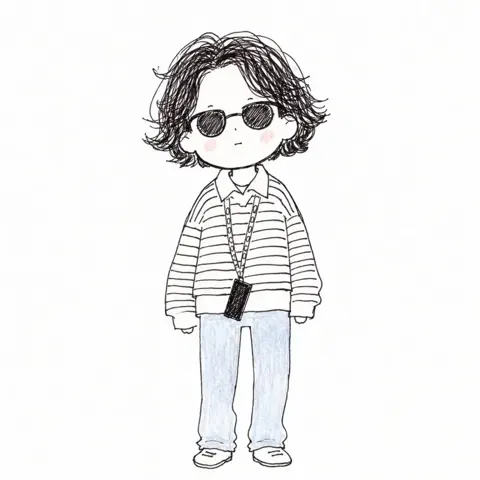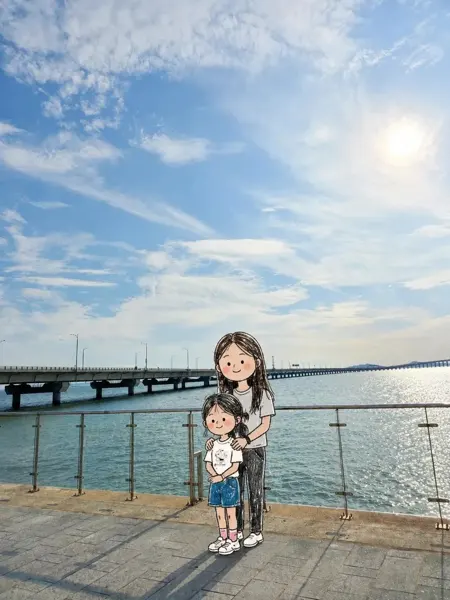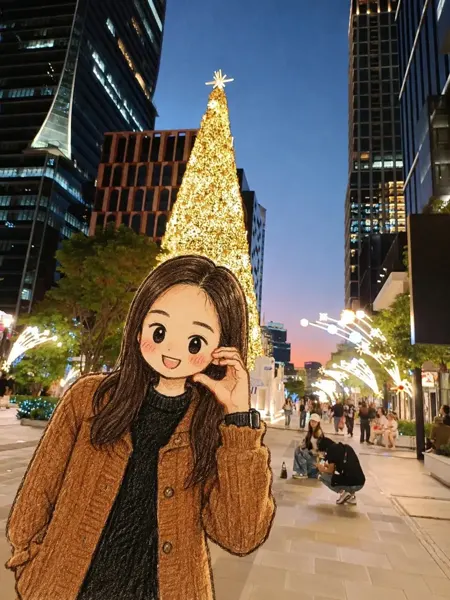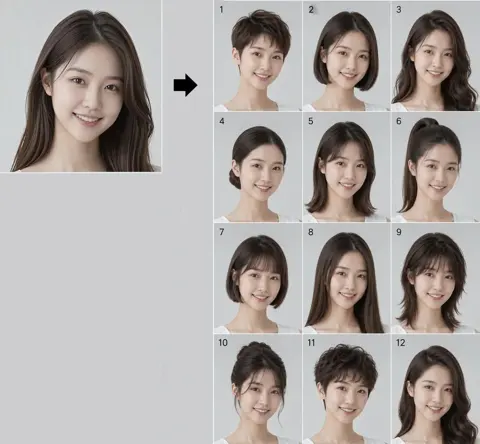
Click to view full image · Reference sample
Source
Source unavailable · Case #270
Original prompt preserved. Results vary depending on model version, reference image, and parameters; identical outputs are not guaranteed.
Characters & People / PROMPT #270
Infographic Visualization Design · #270
Review the image, then copy the prompt. If placeholders are present, customize them below.
01 / Customize your version
02 / Full Prompt · Original
[中文]
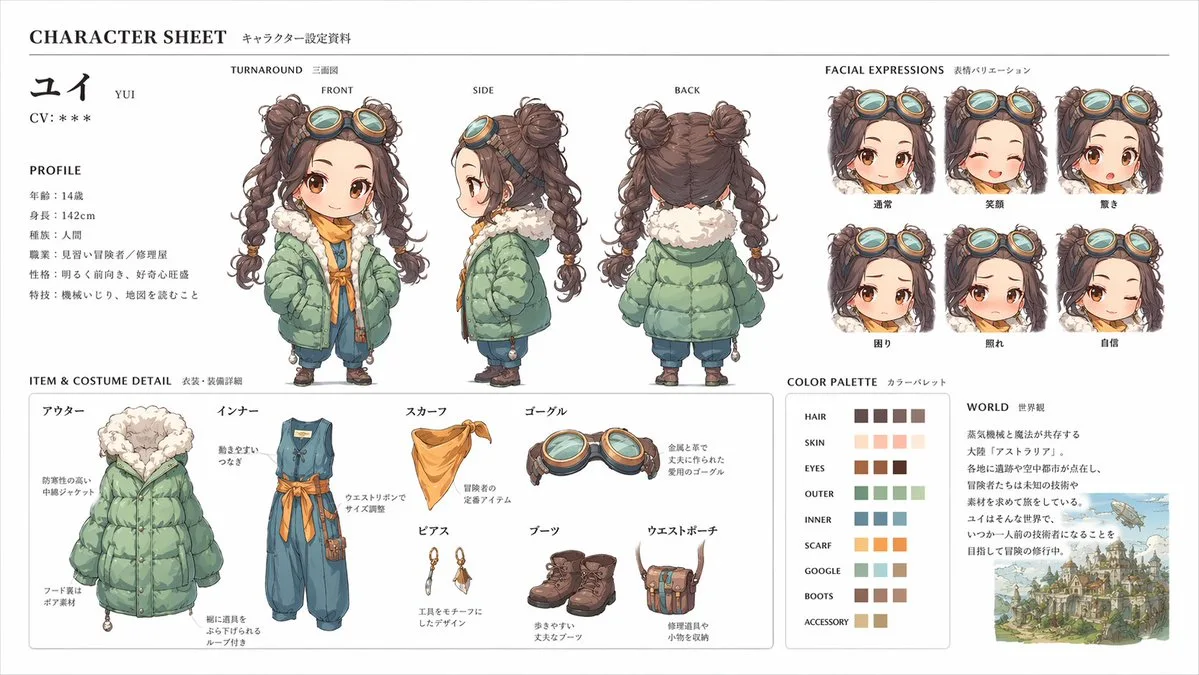
このキャラクターと背景を元に、 公式設定資料のようなキャラクターシートを作成してください。
・正面、側面、背面の3面図を含める ・キャラクターの表情バリエーションを追加
・衣装や装備の詳細パーツを分解して表示 ・カラーパレットを追加 ・世界観の簡単な説明を入れる
・全体は整理されたレイアウト
(白背景、図解風)
・アスペクト比16:9  ←

高解像度、プロのコンセプトアートスタイル

[English]
Based on this character and background, please create a character sheet like an official setting material.
・Include front, side, and back 3-view drawings ・Add character expression variations
・Disassemble and display detailed parts of costumes and equipment ・Add a color palette ・Include a brief explanation of the world view
・Overall organized layout
(White background, diagrammatic style)
・Aspect ratio 16:9  ←
High resolution, professional concept art style
Copy into your preferred AI image generator. Prompt Atelier provides prompt browsing and editing, but does not generate images directly.
03 / Pre-generation checklist
- Replace placeholders with specific details, and check whether reference images are needed.
- Specify exact wording for text elements, and proofread carefully after generation.
- Adjust only one element at a time—subject, lighting, or composition—to compare results easily.
Explore related inspiration
More in Characters & People