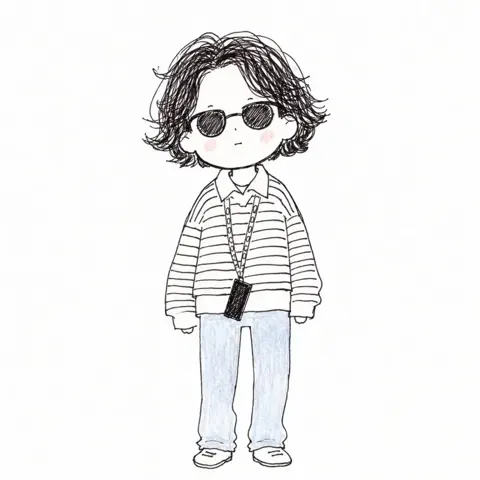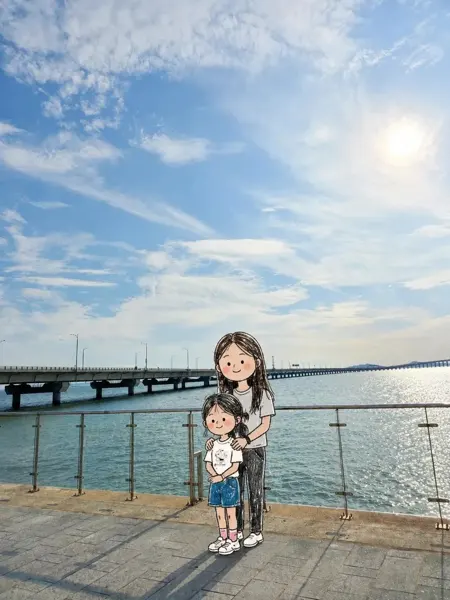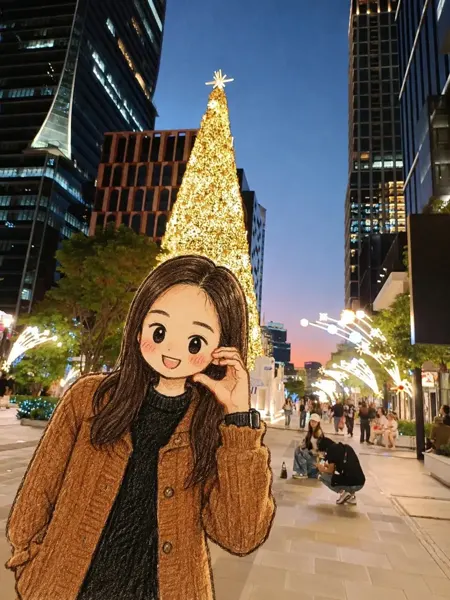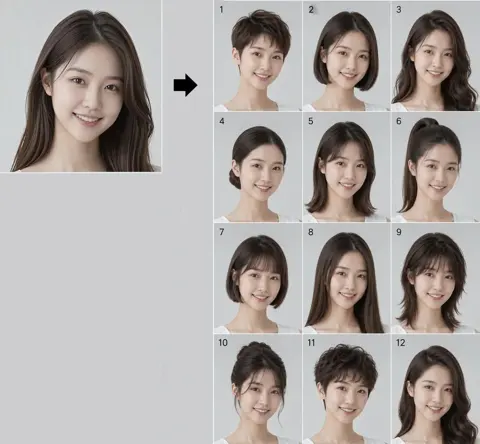
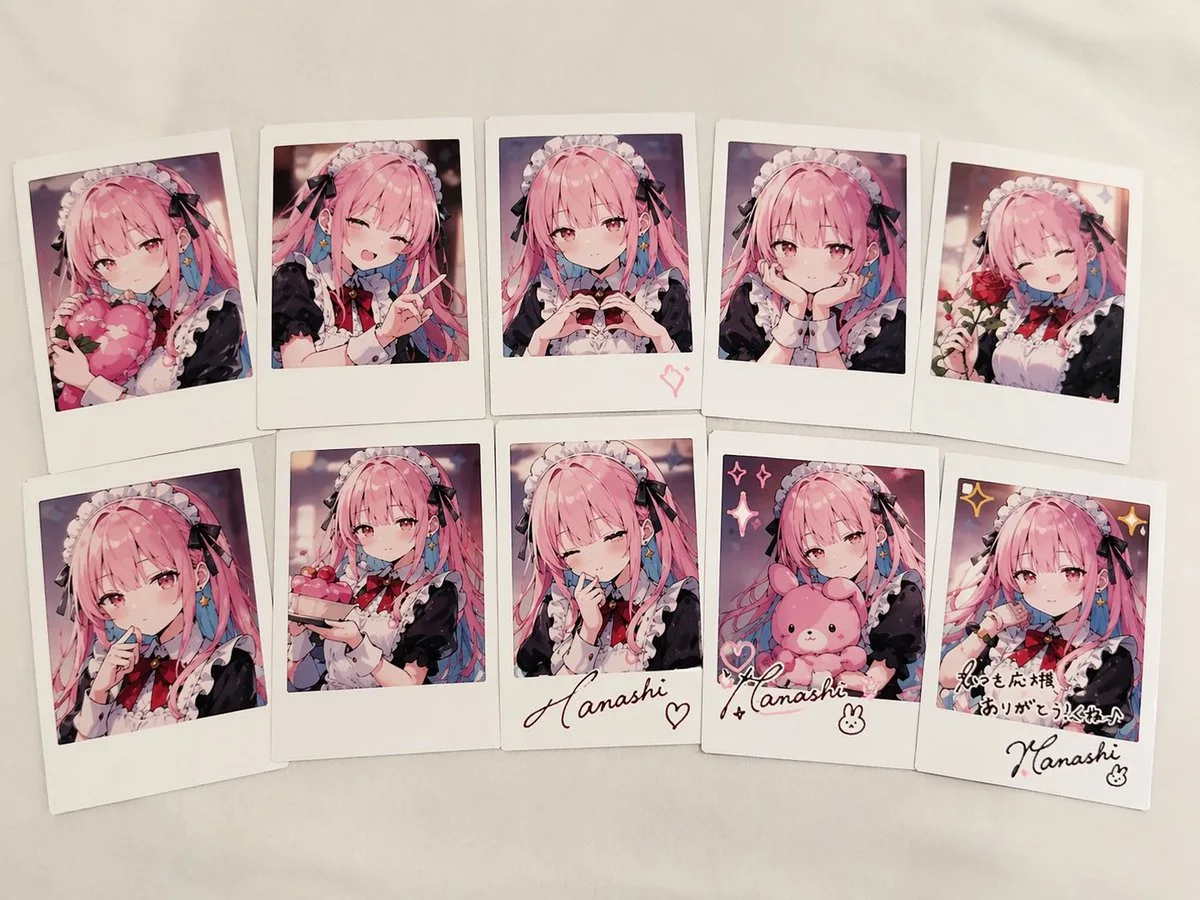
Click to view full image · Reference sample
Source
@anemone_sd ↗ · Case #27
Original prompt preserved. Results vary depending on model version, reference image, and parameters; identical outputs are not guaranteed.
Characters & People / PROMPT #27
Character Concept Design · #27
Review the image, then copy the prompt. If placeholders are present, customize them below.
01 / Customize your version
No placeholders detected. You can freely adjust the subject, color palette, text, and aspect ratio after copying.
02 / Full Prompt · Original
{
  "type": "collection of instant photos",
  "setting": "laid out flat on a white fabric surface",
  "character": {
    "hair": "{argument name=\"hair color\" default=\"long pink hair with blue inner color\"}",
    "outfit": "{argument name=\"outfit\" default=\"black and white maid uniform with frilly headband and black ribbons\"}",
    "eyes": "reddish-pink"
  },
  "layout": {
    "arrangement": "two rows of five polaroid photos",
    "count": 10,
    "photos": [
      { "position": "top row 1", "description": "holding a pink heart cushion" },
      { "position": "top row 2", "description": "winking, making a peace sign" },
      { "position": "top row 3", "description": "making a hand heart, pink heart doodle on the bottom border" },
      { "position": "top row 4", "description": "resting chin on hands, gentle smile" },
      { "position": "top row 5", "description": "holding a red rose, winking" },
      { "position": "bottom row 1", "description": "finger to lips, shy expression" },
      { "position": "bottom row 2", "description": "holding a small pink cake" },
      { "position": "bottom row 3", "description": "winking, hand near face, signature '{argument name=\"signature text\" default=\"Hanashi\"}' and heart doodle on border" },
      { "position": "bottom row 4", "description": "holding a pink bunny plushie, sparkle doodles, signature '{argument name=\"signature text\" default=\"Hanashi\"}' and bunny doodle on border" },
      { "position": "bottom row 5", "description": "winking, sparkle doodles, message '{argument name=\"message text\" default=\"いつも応援ありがとう!これからもよろしくね♪\"}' and signature '{argument name=\"signature text\" default=\"Hanashi\"}' on border" }
    ]
  }
}
Copy into your preferred AI image generator. Prompt Atelier provides prompt browsing and editing, but does not generate images directly.
03 / Pre-generation checklist
- Replace placeholders with specific details, and check whether reference images are needed.
- Specify exact wording for text elements, and proofread carefully after generation.
- Adjust only one element at a time—subject, lighting, or composition—to compare results easily.
Explore related inspiration
More in Characters & People